You Can Use AI Outfit Changer For

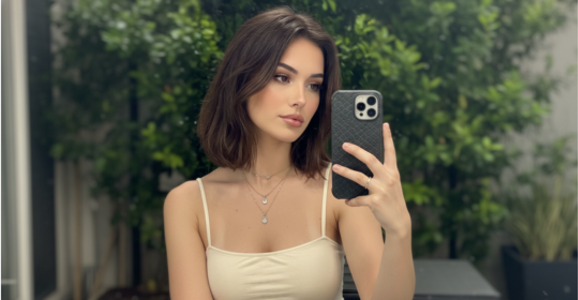
Selfies and portraits
Compare a new look on a familiar portrait.
プロンプトKeep the window light and pose as the presenter changes into the cream jacket.
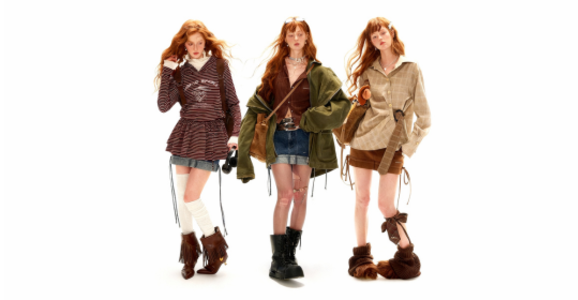
Virtual try-on
Compare silhouettes before choosing a styling direction.
プロンプトKeep a full-length view and show the cut of the straight-leg trousers.

プロフェッショナルヘッドショット
Create a calm wardrobe variation for a profile photo.
プロンプトFrame the same face and shoulders with a navy blazer against the plain wall.
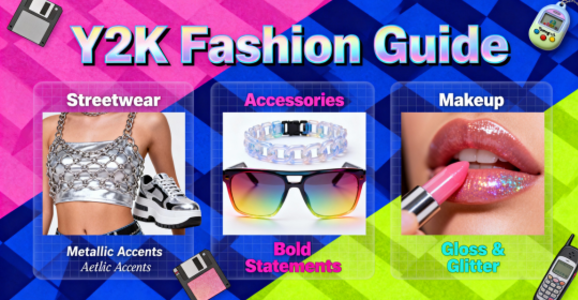
Fashion moodboards
Explore color and texture combinations for a moodboard.
プロンプトPair the textured cardigan with the reference skirt in soft afternoon light.
Why Choose Our AI Outfit Changer
Presenter reference
A separate portrait guides the face, pose and framing of the video.
One piece or a look
Name the garment you want to change and the pieces you want to keep.
Fabric and color
Identify the details to preserve, including hems, surface texture and color.
Review before creating
生成前に長さと必要クレジットを確認します。
Clothing references
Choose up to four pieces and remove any reference before submitting.
Advanced Features
Clothing references
Choose up to four pieces and remove any reference before submitting.
One piece or a look
Name the garment you want to change and the pieces you want to keep.
Write scene directions
動きと照明を指定します。
Fabric and color
Identify the details to preserve, including hems, surface texture and color.
Presenter reference
A separate portrait guides the face, pose and framing of the video.
マイ素材
完成した動画はマイアセットから確認・ダウンロードできます。
FAQ
It sends a portrait and clothing references to a video model with your styling instructions.
Choose the reference images and enter a short direction. The studio guides the remaining settings.
Use well-lit photos with the whole garment visible and limited background clutter.
Add that garment as a reference and describe which other items should stay.
The model produces a visual interpretation. Use actual garment measurements when sizing matters.
Local previews remain in the editor. The studio uploads selected files when preparing a generation request. See the privacy policy for details. プライバシーポリシー
Select a clear portrait and describe the features to preserve. The result can vary between generations.