You Can Use Product Avatar Maker For

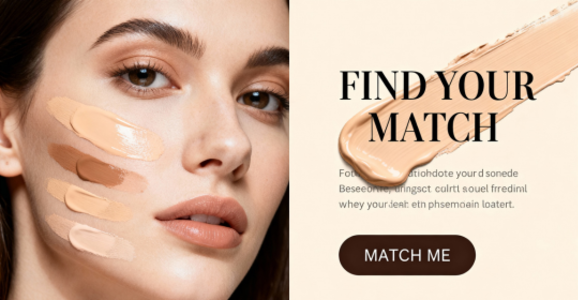
Product listings
Introduce a product with a recognizable presenter on the listing page.
プロンプトThe presenter raises the bottle to chest height and turns its label toward the camera.
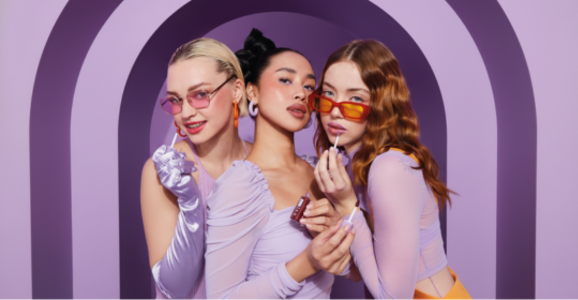
UGC ads
Show a short demonstration in a familiar home setting.
プロンプトFrame the presenter from the shoulders up as she shows the compact by a window.
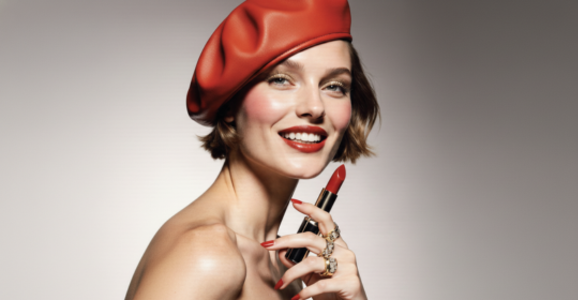
Launch explainers
Introduce one feature at a time in a launch video.
プロンプトOpen on the presenter, then move in on the control she points to.
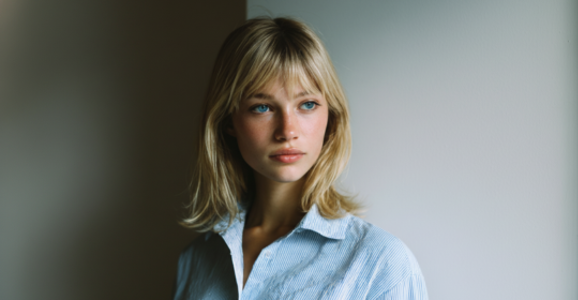
Host-led content
Keep a consistent host across product explainers.
プロンプトThe host places the item on the counter and shows its side profile.
Why Choose Product Avatar Maker
Presenter library
Choose from the available portraits and preview the selected presenter.
Product photo
Use the first reference for the item you want to feature.
Presenter audio
自分の声を録音・アップロードするか、台本からナレーションを生成して試聴できます。
マイ素材
完成した動画はマイアセットから確認・ダウンロードできます。
Frame for the channel
Compose for a square feed, a vertical story or a landscape player.
Advanced Features
Visual references
Keep the presenter and product in separate reference images.
Script and direction
Write the dialogue separately from the visual instructions.
Presenter library
Choose from the available portraits and preview the selected presenter.
Frame for the channel
Compose for a square feed, a vertical story or a landscape player.
FAQ
まず人物と商品の合成画像を確認し、選んだ音声に合わせて動画を生成します。
鮮明な商品写真と正面の人物写真を選び、合成画像で口元が隠れていないことを確認してください。
Use a clear image with the whole item visible, then describe how the presenter should hold or show it.
Choose the reference images and enter a short direction. The studio guides the remaining settings.
InfiniteTalkが選んだ録音に合わせて人物を動かします。動画を作る前に音声を確認できます。
画像の構図と、動画の解像度(480pまたは720p)を選べます。音声の長さによって動画の長さと料金が決まります。
希望する言語で台本を書いてMiniMaxの音声を試聴するか、その言語の録音をアップロードしてください。