You Can Make AI Product Videos For

Eコマース
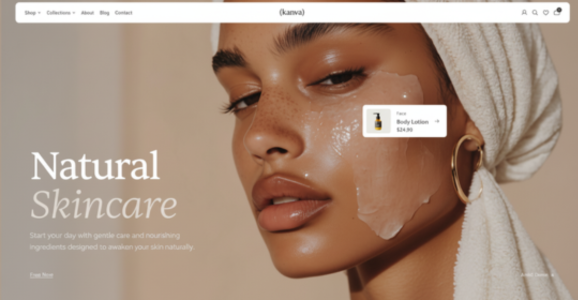
Show the materials and proportions of a product on its listing page.
プロンプトSlowly circle the skincare jar on a pale countertop. Keep its label in focus.
Paid advertising
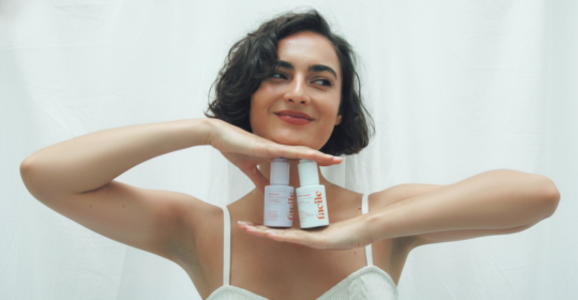
Compare a direct-to-camera demonstration with a studio shot.
プロンプトA creator holds two bottles by a window. Move closer as she points to the caps.
Social video
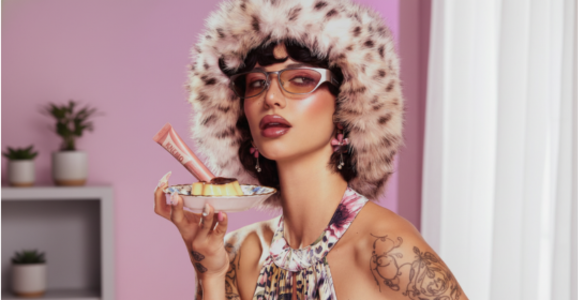
Create a short vertical clip for a social feed.
プロンプトTrack a pair of trainers as the wearer steps from shade into sunlight.
Seasonal campaigns
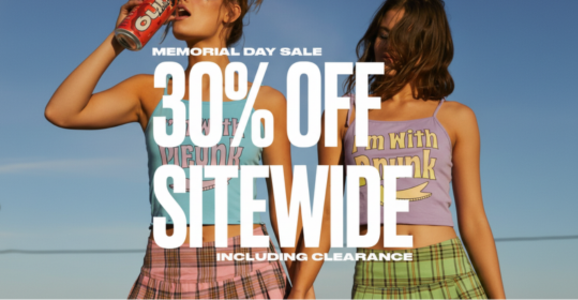
Build a launch or seasonal scene around the same product.
プロンプトReveal a gift box on red paper as a ribbon slides away from the lid.
Why Choose Our AI Product Video Generator
Product photo
Use the first reference for the item you want to feature.
Frame for the channel
Compose for a square feed, a vertical story or a landscape player.
Background library
Choose a preset or upload an image for the setting.
Review before creating
生成前に長さと必要クレジットを確認します。
Advanced Features
Product photo
Use the first reference for the item you want to feature.
Write scene directions
動きと照明を指定します。
Background library
Choose a preset or upload an image for the setting.
Camera movement
Choose a pan or zoom, or describe your own camera direction.
Frame for the channel
Compose for a square feed, a vertical story or a landscape player.
マイ素材
完成した動画はマイアセットから確認・ダウンロードできます。
FAQ
It prepares a product reference, setting and camera direction for a short video.
Start with a product photo. A background and written direction are optional.
Use the background and camera direction to describe either setting.
Choose the reference images and enter a short direction. The studio guides the remaining settings.
動画を作成する前に縦横比、解像度、長さを選びます。
Review the Flux terms and the permissions for the source media and people shown. 利用規約