You Can Use Product Avatar Maker For

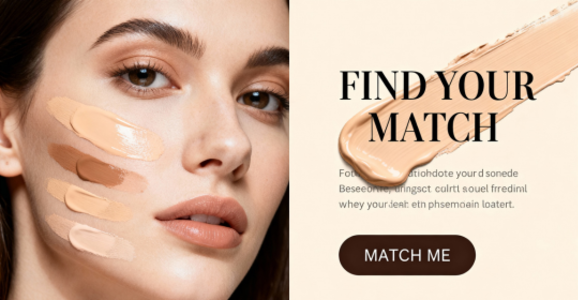
Product listings
Introduce a product with a recognizable presenter on the listing page.
프롬프트The presenter raises the bottle to chest height and turns its label toward the camera.
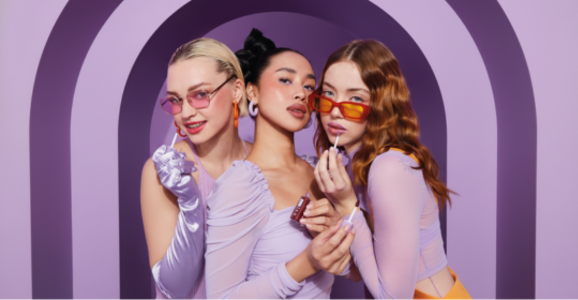
UGC ads
Show a short demonstration in a familiar home setting.
프롬프트Frame the presenter from the shoulders up as she shows the compact by a window.
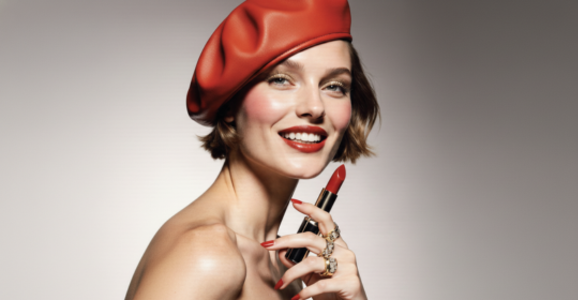
Launch explainers
Introduce one feature at a time in a launch video.
프롬프트Open on the presenter, then move in on the control she points to.
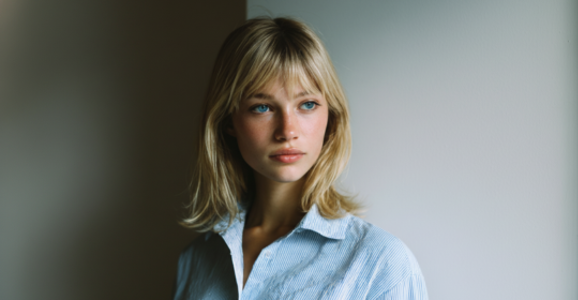
Host-led content
Keep a consistent host across product explainers.
프롬프트The host places the item on the counter and shows its side profile.
Why Choose Product Avatar Maker
Presenter library
Choose from the available portraits and preview the selected presenter.
Product photo
Use the first reference for the item you want to feature.
Presenter audio
직접 녹음하거나 음성 파일을 업로드하세요. 대본으로 내레이션을 생성하고 들어볼 수도 있습니다.
내 자료
내 에셋에서 완성된 영상을 확인하고 다운로드하세요.
Frame for the channel
Compose for a square feed, a vertical story or a landscape player.
Advanced Features
Visual references
Keep the presenter and product in separate reference images.
Script and direction
Write the dialogue separately from the visual instructions.
Presenter library
Choose from the available portraits and preview the selected presenter.
Frame for the channel
Compose for a square feed, a vertical story or a landscape player.
FAQ
먼저 인물과 제품을 합성한 이미지를 확인하고 선택한 음성에 맞춰 영상을 만드세요.
선명한 제품 사진과 정면 인물 사진을 선택하세요. 합성 이미지에서 입이 가려지지 않아야 합니다.
Use a clear image with the whole item visible, then describe how the presenter should hold or show it.
Choose the reference images and enter a short direction. The studio guides the remaining settings.
InfiniteTalk가 선택한 녹음에 맞춰 인물을 움직입니다. 영상을 만들기 전에 음성을 들어보세요.
이미지 구도와 영상 해상도(480p 또는 720p)를 선택하세요. 음성 길이에 따라 영상 길이와 요금이 정해집니다.
원하는 언어로 대본을 작성해 MiniMax 음성을 들어보거나 해당 언어의 대화를 업로드하세요.