
Powered by GPT Image 2
Fixed 1-image output with optional quality, resolution, aspect ratio, and privacy controls.
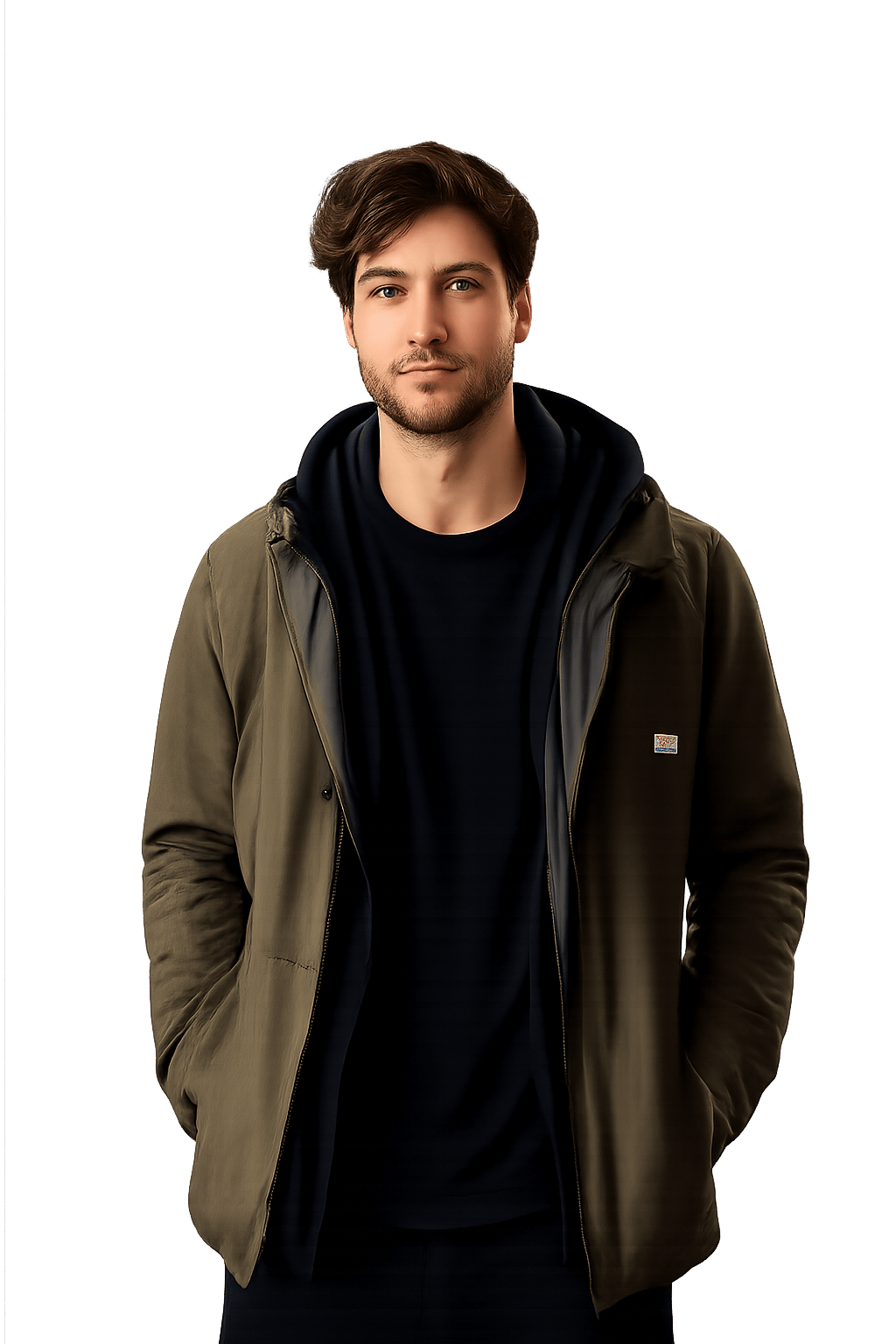

Preserve people, hair, clothing, and natural subject edges while removing the full background.
Usuwanie tła AI
Remove Backgrounds Without Losing Subject Detail
Background Remover is built for mobile-first editing, product workflows, and fast creative production. It wraps GPT Image 2 with a focused background removal prompt so users can upload one image, optionally add a note, and get a clean cutout.
Background Remover Examples
Compare before and after results using the same interaction pattern users see in the generator.
Preserve people, hair, clothing, and natural subject edges while removing the full background.

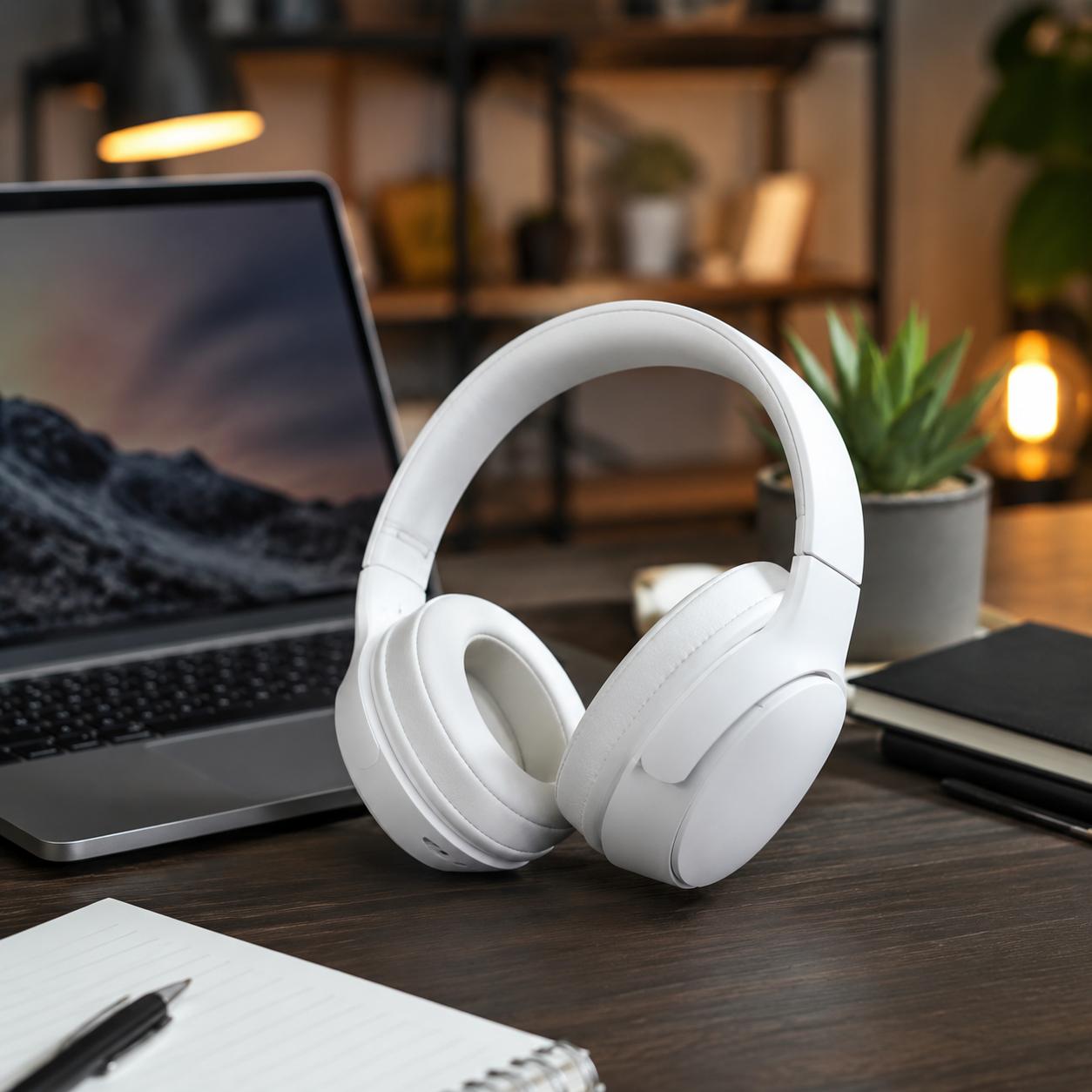
Create clean product cutouts for listings, ads, banners, and design mockups.
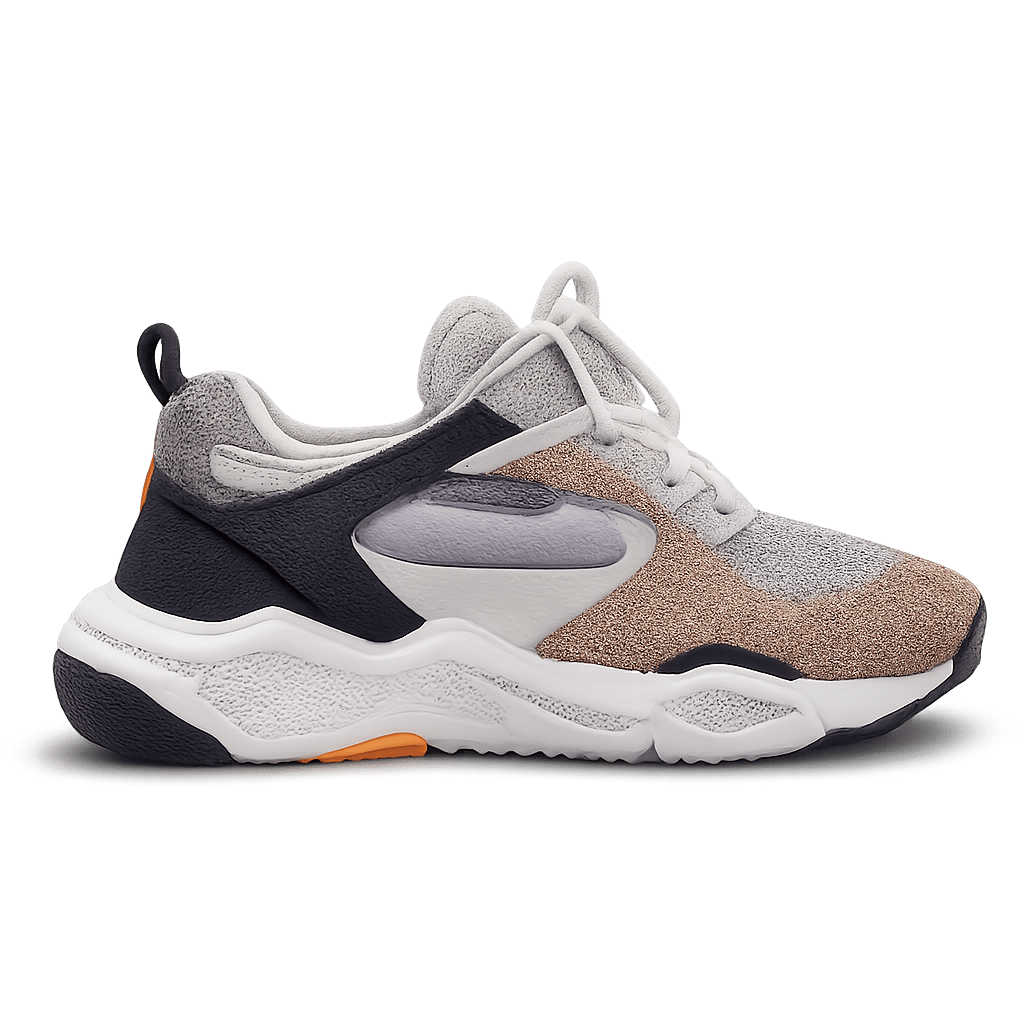
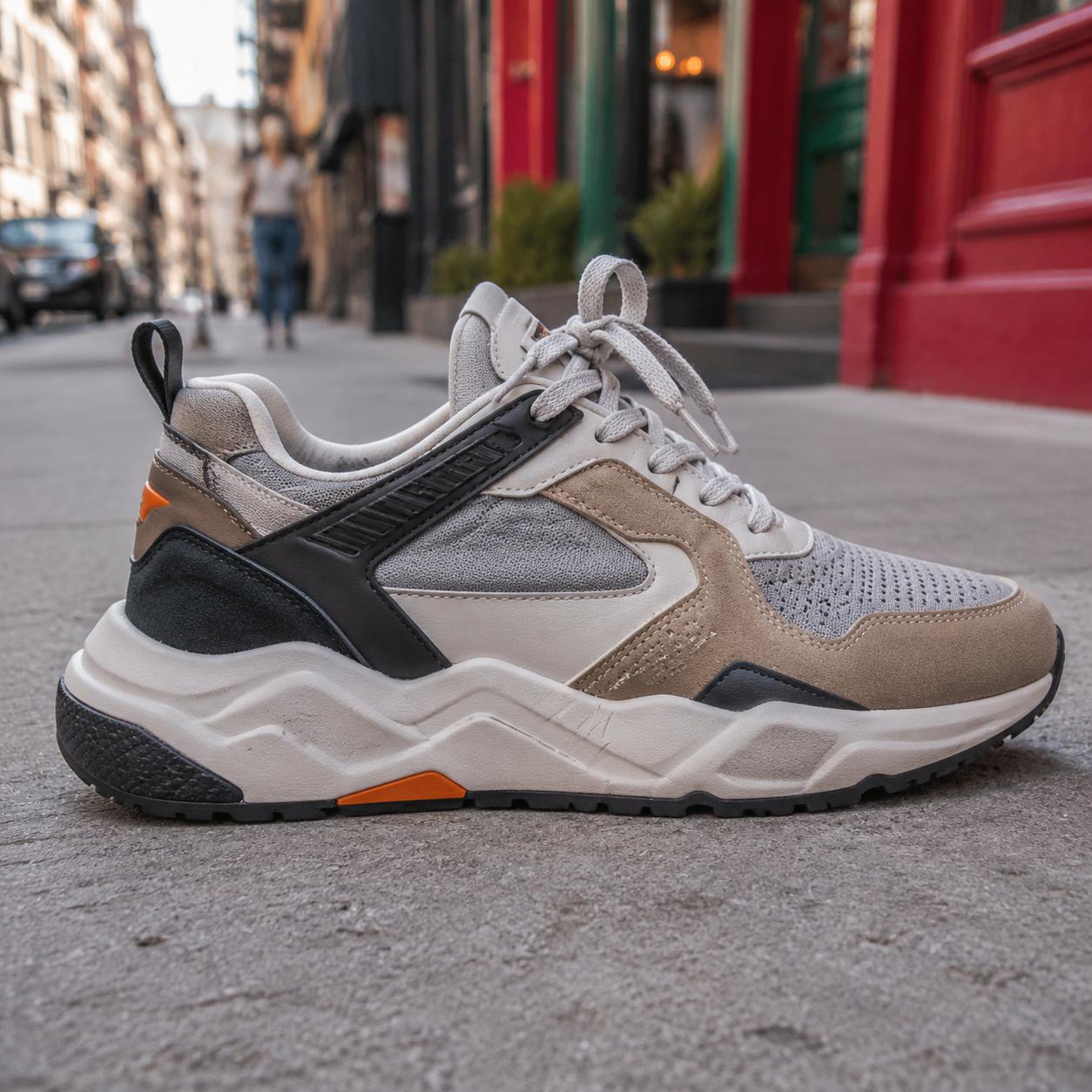
Keep fine details and object shape without turning the result into a rough mask.
Why Use This Background Remover?
Subject-first Cutouts
The tool keeps the main subject, product shape, hair, fabric, and edge detail while removing the surrounding background.
Zachowanie szczegółów
GPT Image 2 prompt wrapping is tuned to avoid over-smoothing people, products, transparent materials, and small details.
Simple Advanced Controls
Quality, resolution, aspect ratio, and privacy mode stay available in a compact advanced panel when you need more control.
How to Remove a Background
Upload one source image
Choose a product, portrait, object, or campaign image. The tool is designed for exactly one source image per generation.
Add optional instructions
Tell the tool what to keep if the subject is ambiguous, or leave the field blank for automatic subject detection.
Generate and download
Create one clean output, download it, or continue editing the result as the next source image.
Best Use Cases
E-commerce Listings
Prepare clean product images for stores, marketplaces, comparison tables, and ad variations.
Portrait and Profile Images
Remove busy backgrounds from portraits while keeping hair, clothing, and face detail intact.
Design Production
Create ready-to-place cutouts for thumbnails, posters, landing pages, presentations, and social graphics.
Output Count
1 image
Workflow
Image to image
Model
GPT Image 2
Background Remover FAQ
Does Background Remover use GPT Image 2?
Yes. This tool uses GPT Image 2 with a server-side background removal prompt, so the model is fixed and users do not need to choose a model manually.
How many source images can I upload?
Background Remover accepts exactly one source image per generation. This keeps the workflow predictable and avoids mixing subjects from multiple images.
Can I add custom instructions?
Yes. The instruction box is optional. Use it when you want to clarify what subject should be kept or how strict the cutout should be.
Can I change quality or resolution?
Yes. Open Advanced settings to adjust quality, resolution, aspect ratio, and privacy mode before generation.
Is this only for product photos?
No. It works for products, portraits, objects, marketing images, thumbnails, and design assets that need a clean subject cutout.
Create a Clean Cutout Now
Upload one image, remove the background, and keep the subject ready for products, ads, thumbnails, and design work.