
More AI Video Tools
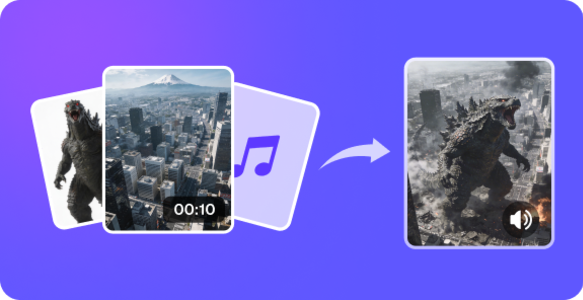
AI Video Generator
Add references and describe a shot. Check the model, duration and credit estimate before generating the video.

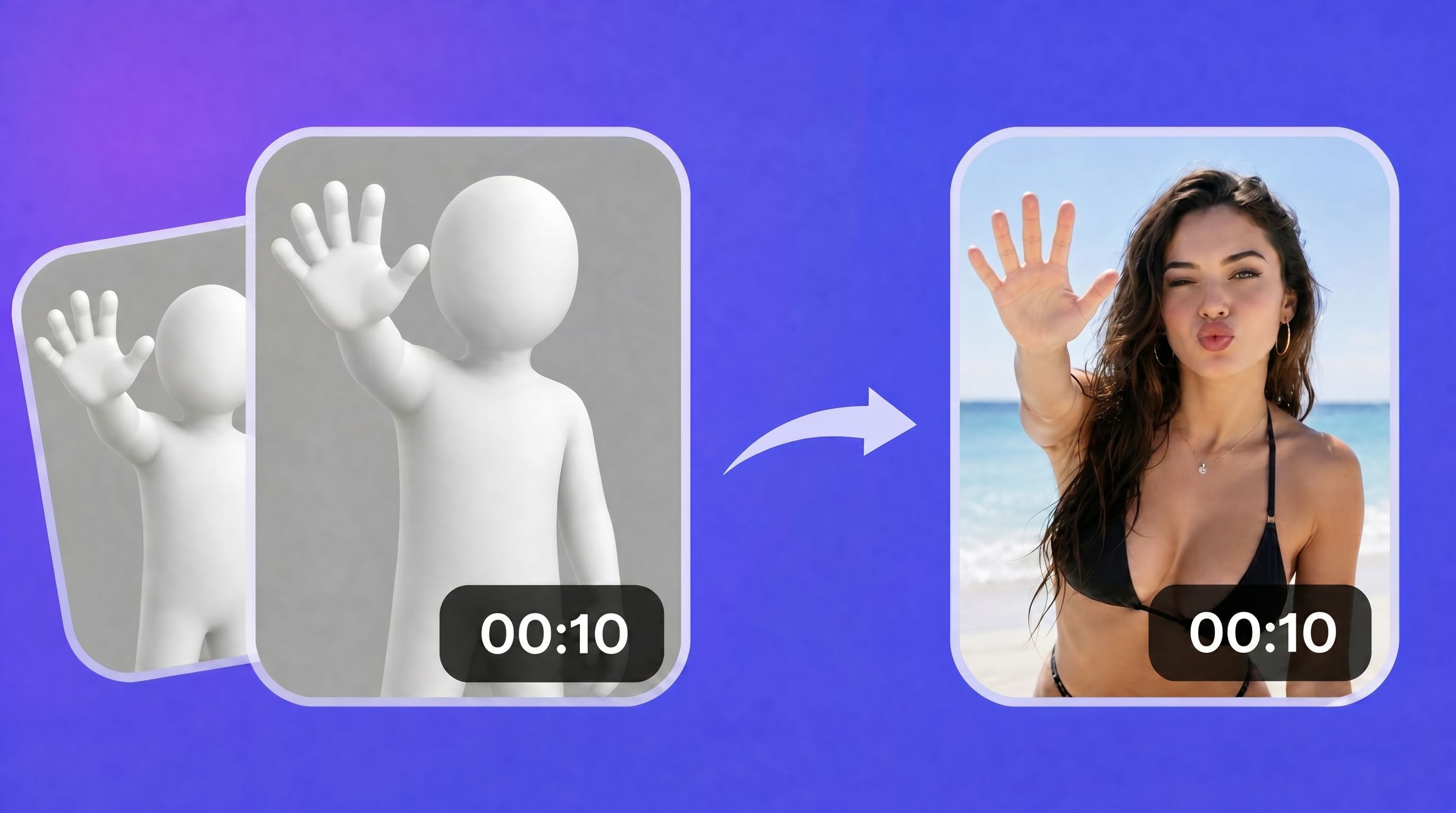
Motion Control
Upload a character image and a motion clip. Compare the movement in the reference with the animated result.
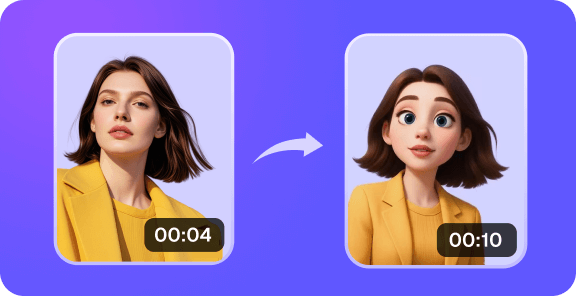
Video to Video
Edit a short source clip with written instructions, or extend a compatible Veo video from an earlier generation.

PDF to Video
Export PDF pages as a silent slideshow, or animate a selected page in the video studio.
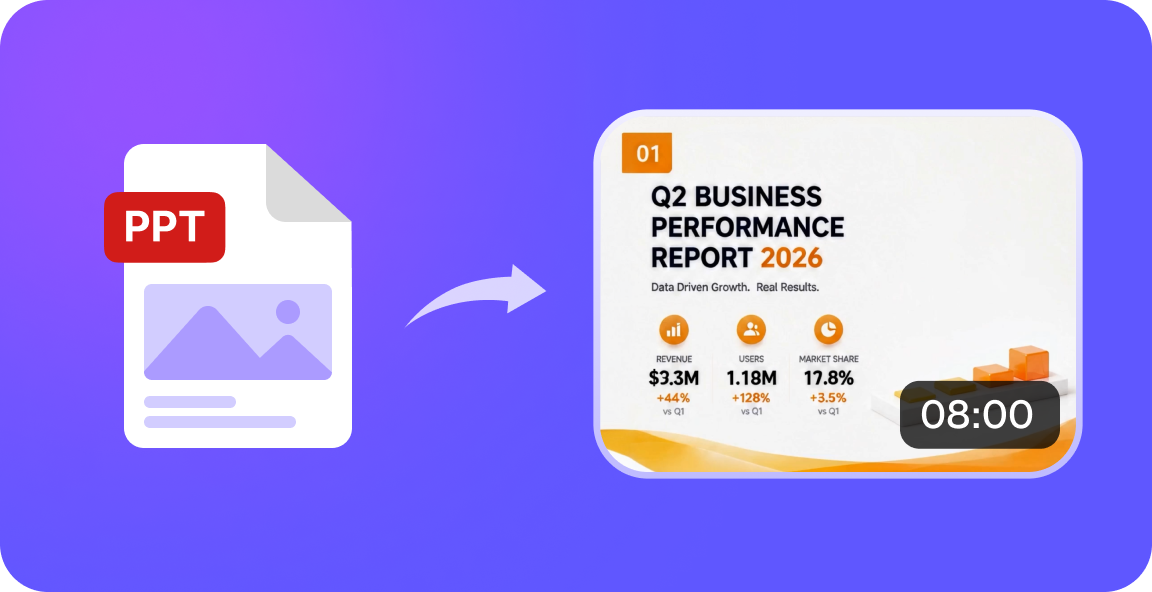
PPT to Video
Turn PPTX slide text into a silent video. Export a PDF first to preserve charts, images and slide layouts.
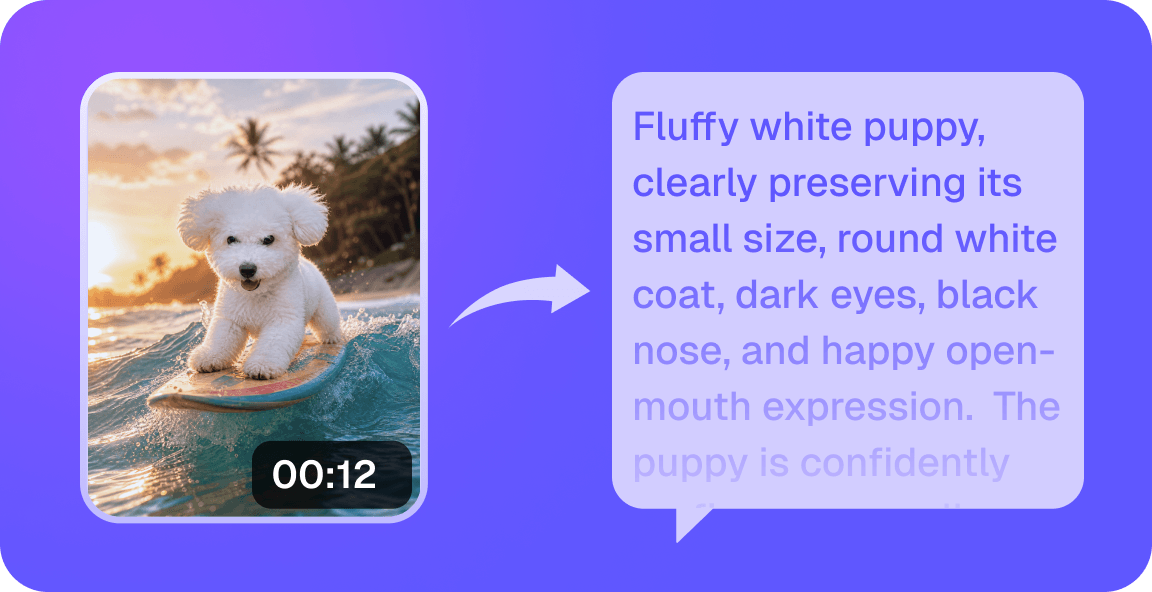
Video to Prompt
Turn four frames from an uploaded clip into an editable prompt about the scene and camera movement.
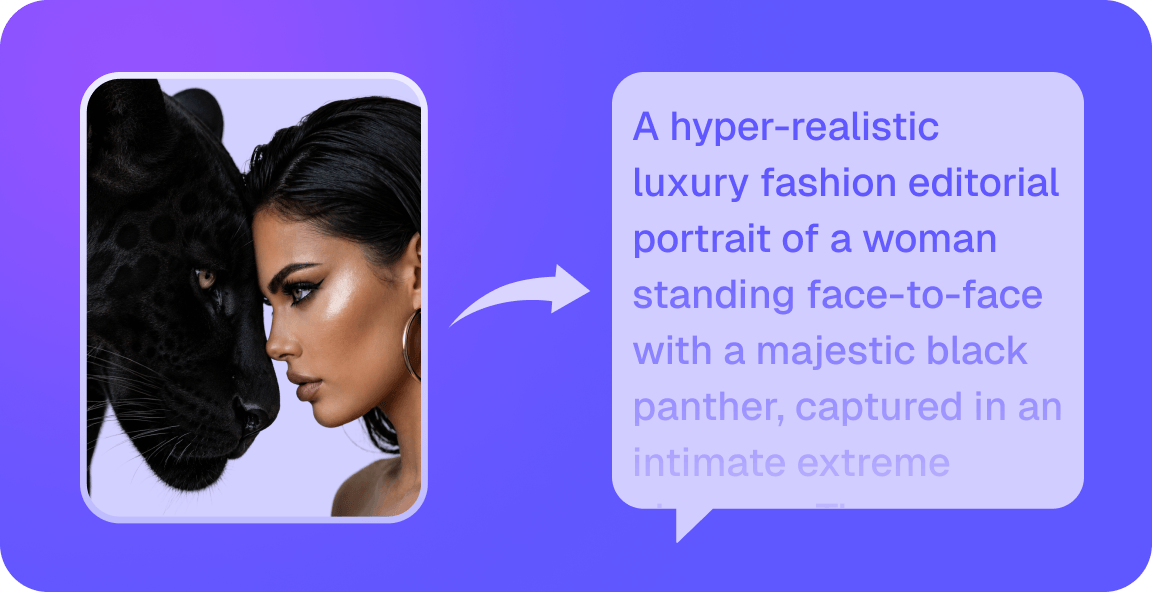
Image to Prompt
Turn a reference image into an editable prompt describing its subject, composition, light and style.
3D Clay Render to Video
Geometry-guided rendering is coming soon. Try your clay render as a visual reference in the video studio.

Lip Sync AI
Match the lips in a video to a recording or a voiceover. Preview the timing, check the credit cost and download the finished video.
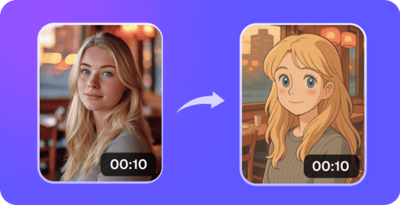
AI Effect
Browse image effects and video presets. Choose an example to see its inputs and the studio used to create it.
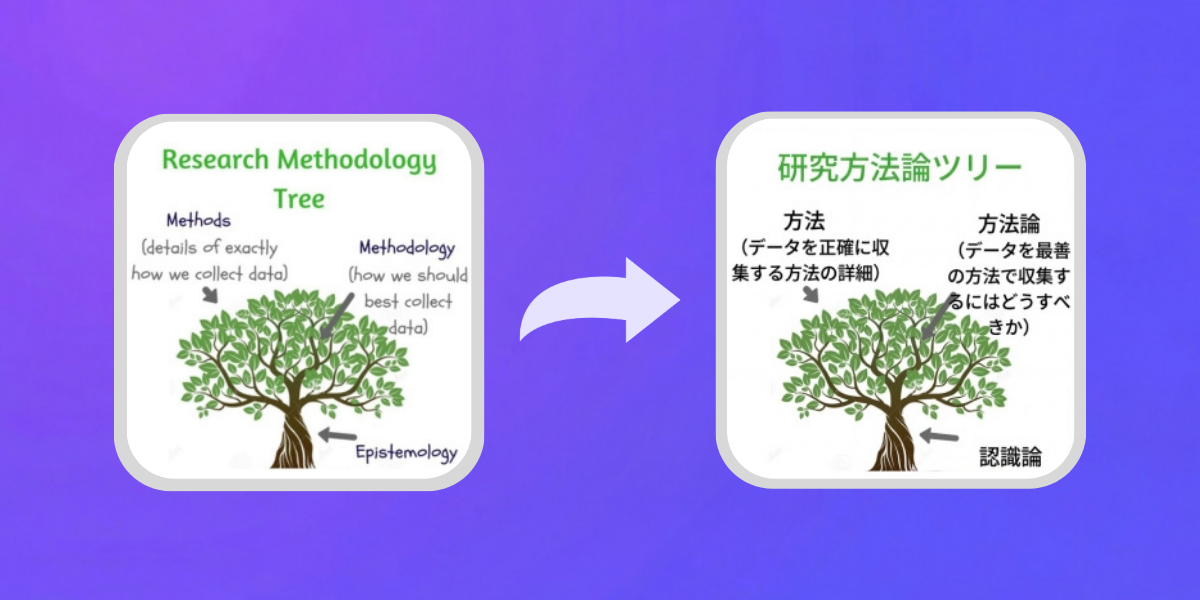
AI Image Translator
Upload a legible sign or screenshot and specify the target language. Check names, prices and small lettering in the result.

AI Logo Generator
Describe the brand name, colors and symbol to generate a logo concept. Check the lettering before downloading the image.

Change Image Background
Upload a photo and describe the new setting. Compare edges, shadows and lighting against the original.

OC Maker
Describe a character’s appearance and outfit or add a visual reference. Review the generated portrait before creating a variation.
AI Video Translator
Translate spoken video into another language with HeyGen. Choose Speed or Precision, compare the original and download the translated video.
Browse video and image tools, turn visual references into prompts, or prepare material to continue in a studio.