
Powered by GPT Image 2
Fixed 1-image output with optional quality, resolution, aspect ratio, and privacy controls.
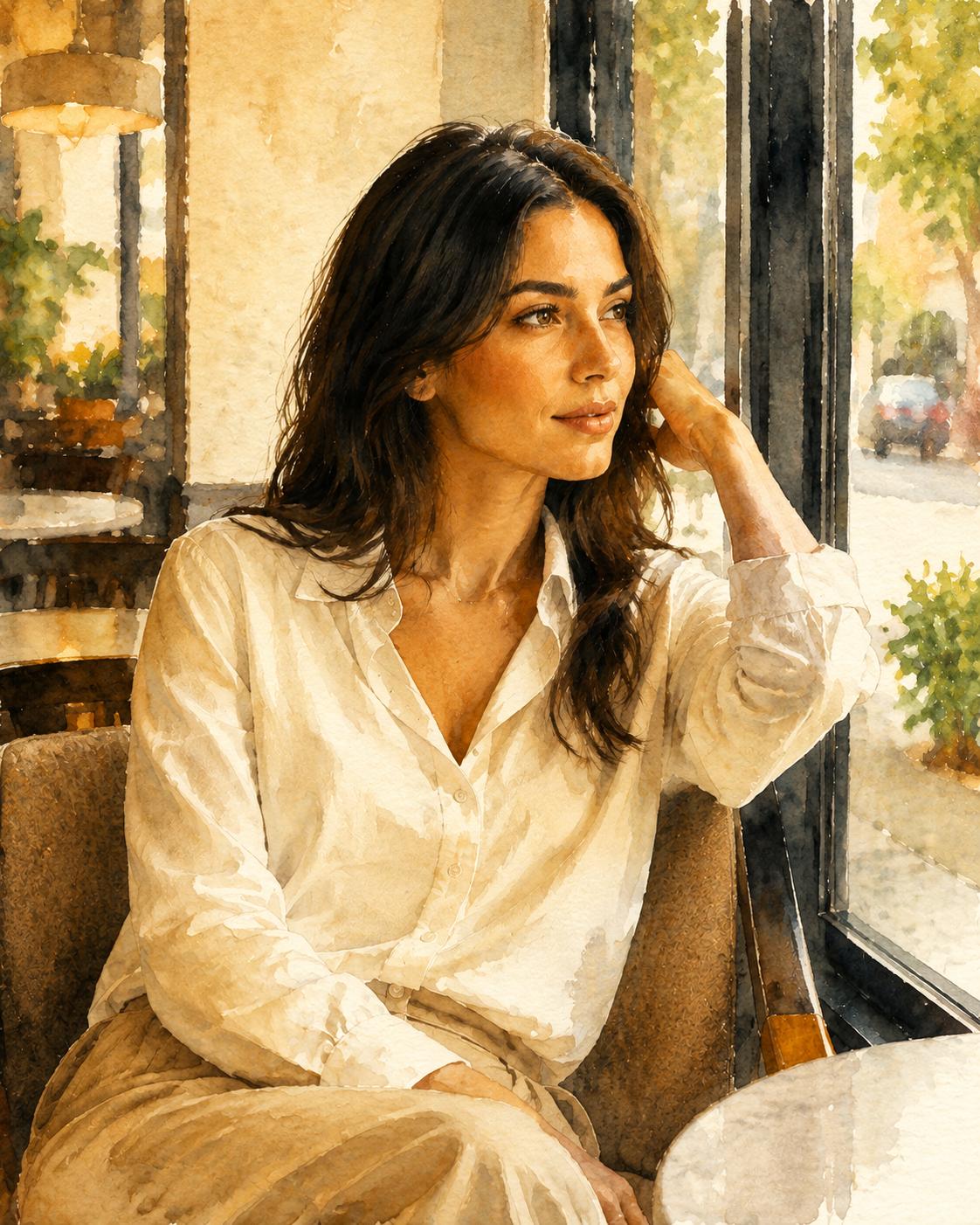

Transform a source image into a warm illustration while keeping the main scene structure recognizable.
Transfert de style par IA
Transform One Image into a New Visual Style
Style Transfer is designed for creators and teams who want a fast way to reimagine a source image without losing the subject. It uses GPT Image 2 with a focused tool prompt, optional user style direction, and advanced output controls when needed.
Style Transfer Examples
Compare source images with stylized outputs that preserve the main composition while changing the visual language.
Transform a source image into a warm illustration while keeping the main scene structure recognizable.
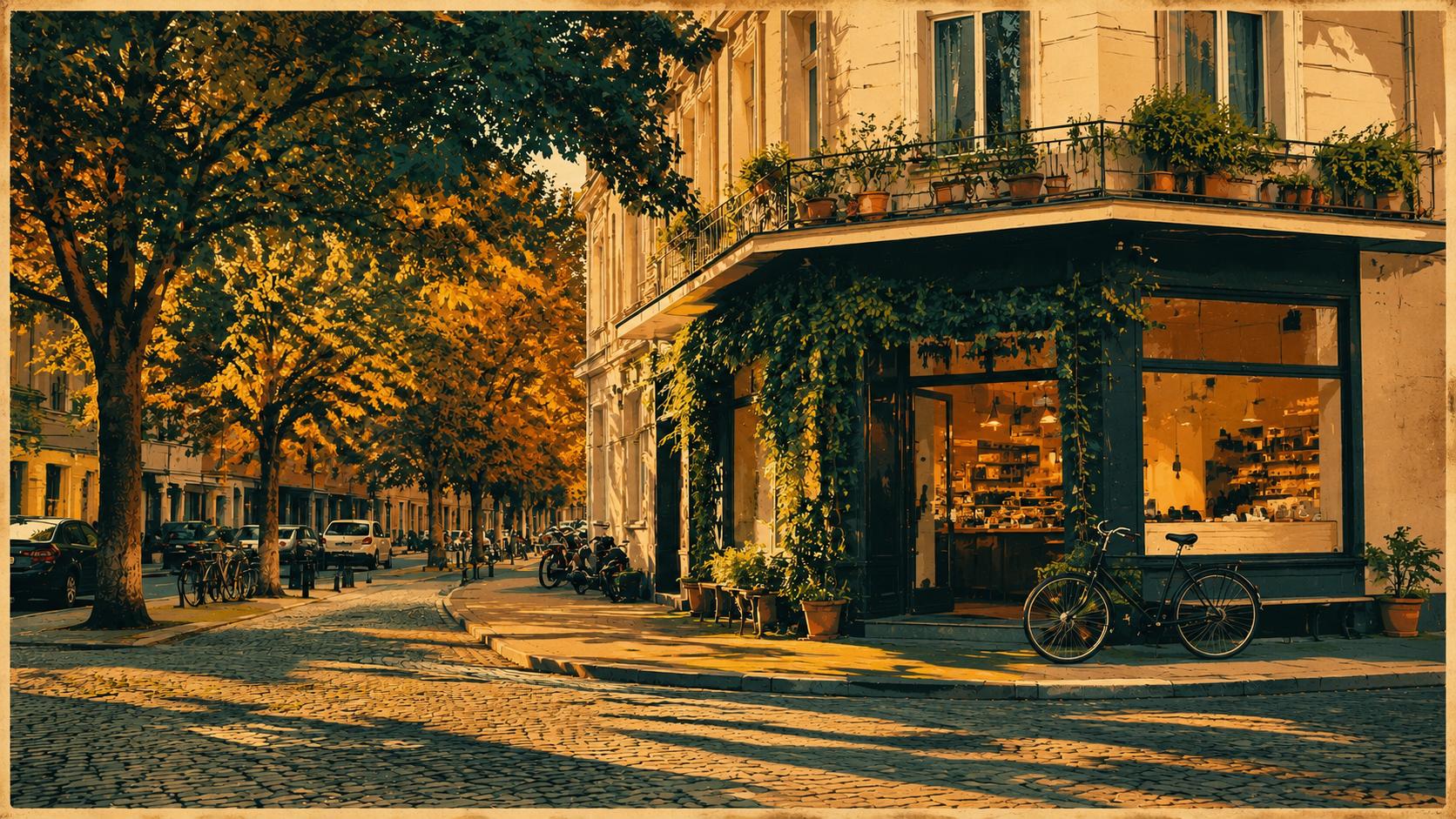
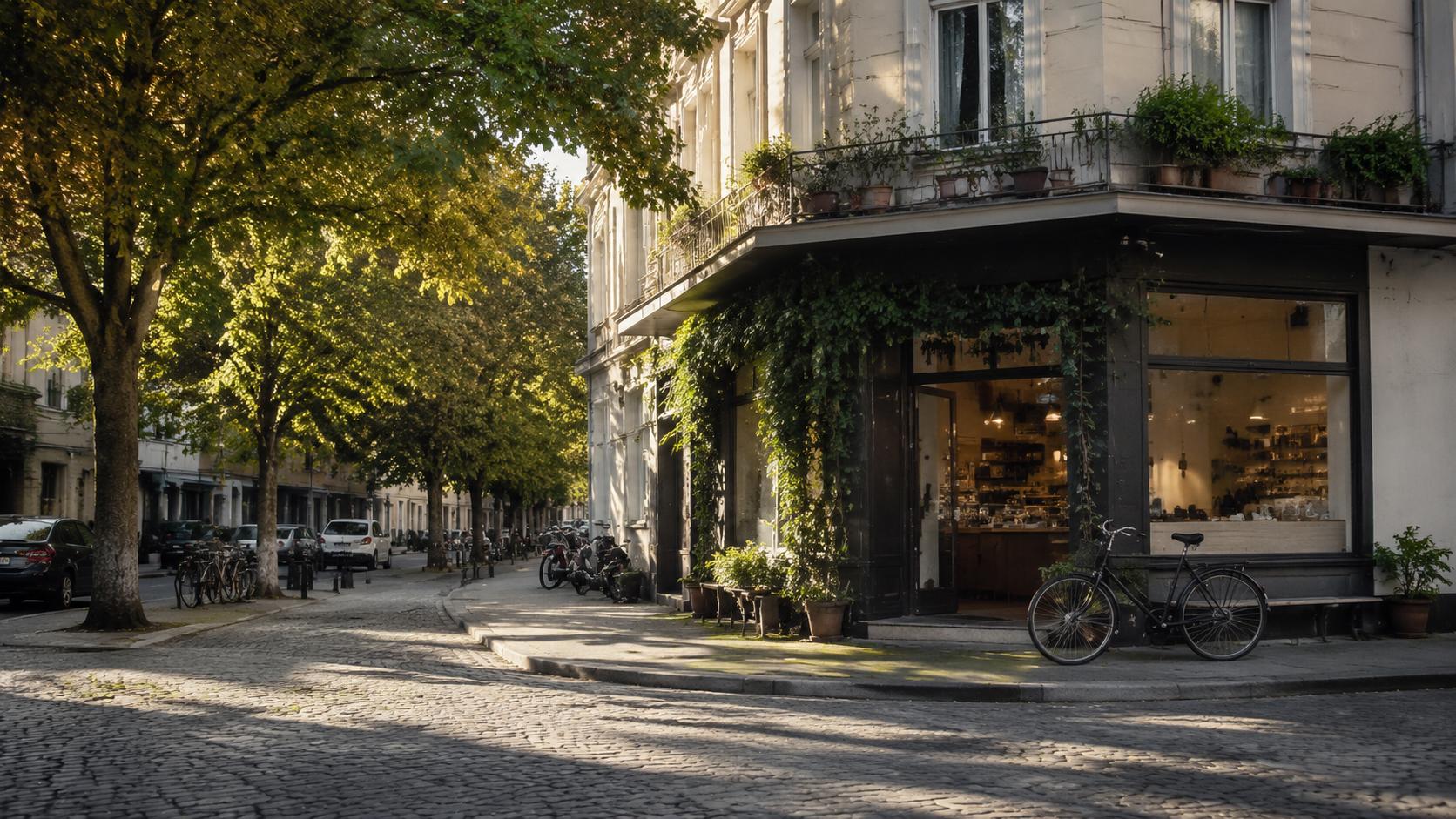
Apply a poster-like artistic treatment without losing the original scene structure and composition.
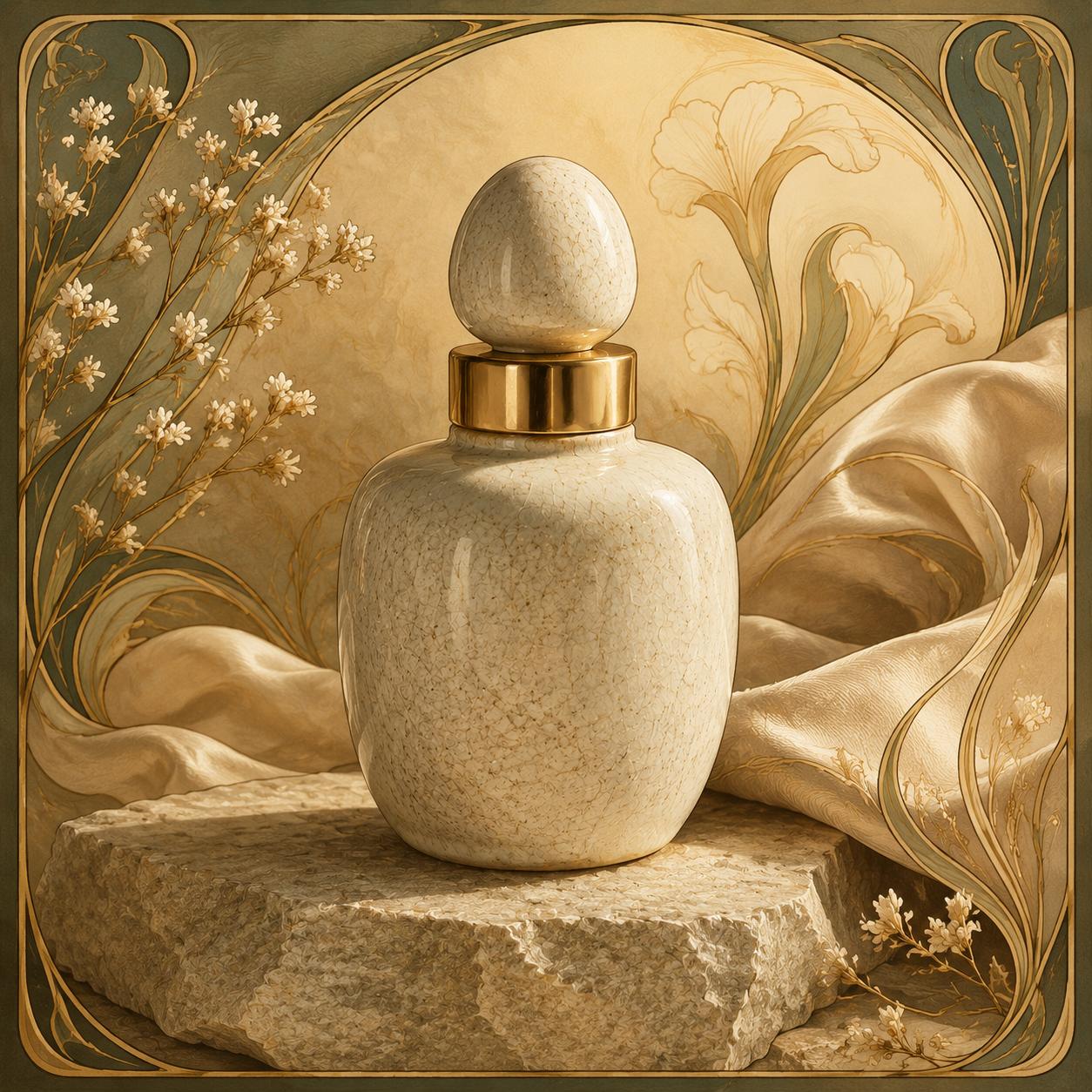
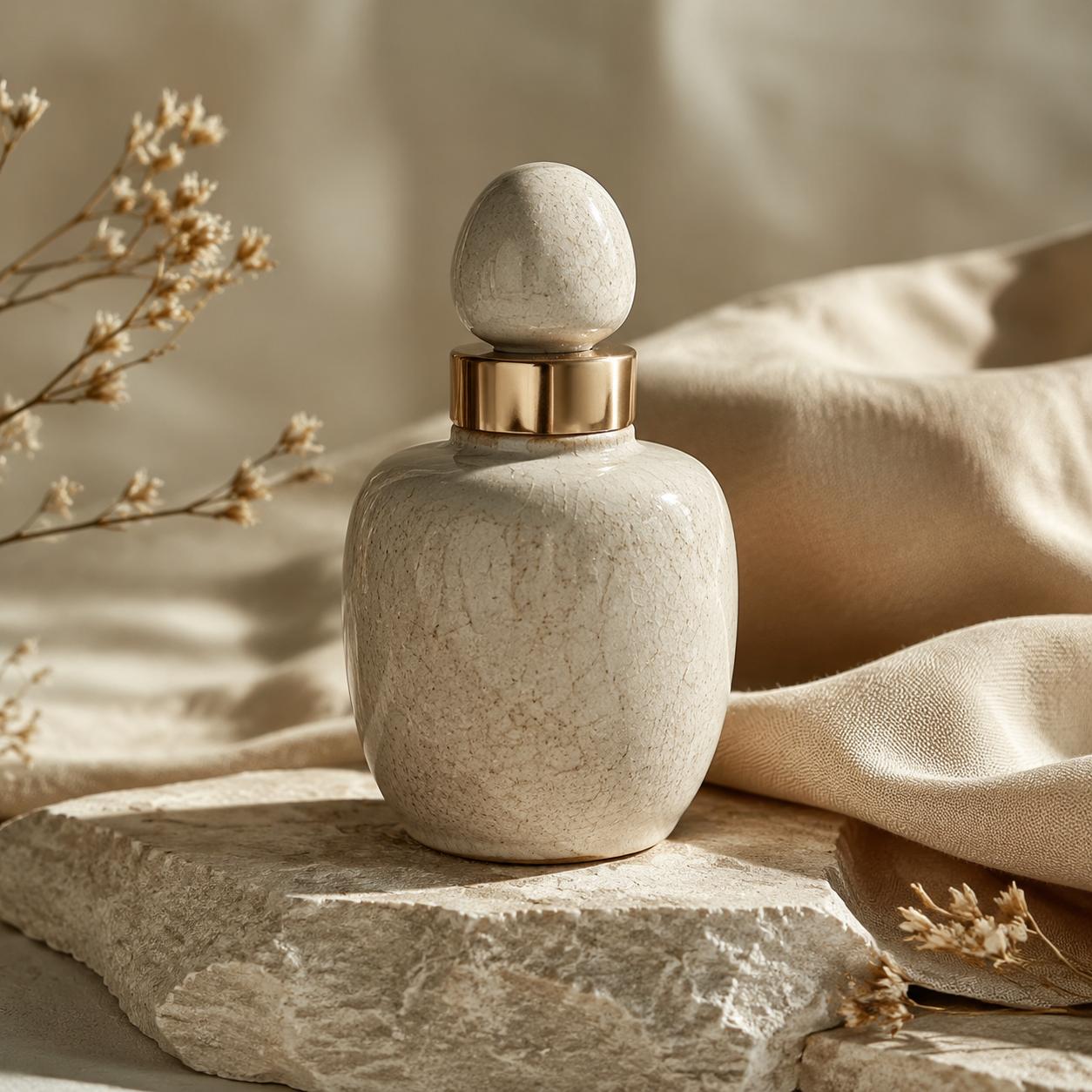
Convert product photography into a designed illustration with stronger color, shape, and decorative texture.
Why Use This Style Transfer Tool?
Style Without Losing Structure
The tool preserves subject identity, pose, composition, and core geometry while applying a new visual style.
Editable Style Direction
Use a short prompt to request watercolor, anime, oil painting, cinematic, editorial, poster, or brand-specific looks.
Controlled GPT Image 2 Workflow
The model is fixed to GPT Image 2 and wrapped with a tool prompt, keeping the UX simple while preserving advanced output controls.
How to Apply Style Transfer
Upload one source image
Choose a photo, product image, character, scene, or graphic that should keep its main structure.
Describe the target style
Write a concise style direction, or leave it blank to use the default polished artistic style.
Generate and refine
Create one stylized output, download it, or continue editing it as the next source image.
Best Use Cases
Creator Visuals
Turn portraits, travel shots, and everyday images into social-ready stylized content.
Campaign Concepts
Explore ad, landing page, and poster art directions from one source image before production.
Design Exploration
Test illustration, editorial, cinematic, and brand-inspired treatments without rebuilding the image from scratch.
Output Count
1 image
Workflow
Image to image
Modèle
GPT Image 2
Style Transfer FAQ
Does Style Transfer use GPT Image 2?
Yes. This tool uses GPT Image 2 with a server-side style transfer prompt. Users only provide the source image and optional style direction.
What happens if I leave the prompt empty?
The tool applies a default polished artistic style while preserving the source image structure and subject identity.
Can I request a specific art style?
Yes. You can describe styles such as watercolor, anime, cinematic poster, oil painting, editorial illustration, or a brand-inspired visual direction.
How many images are generated at once?
Style Transfer generates one output image per run. This keeps the workflow clear and credit usage predictable.
Can I change quality or resolution?
Yes. Open Advanced settings to adjust quality, resolution, aspect ratio, and privacy mode before generation.
Create a Styled Version Now
Upload one image, describe a style, and generate a polished visual variation powered by GPT Image 2.