
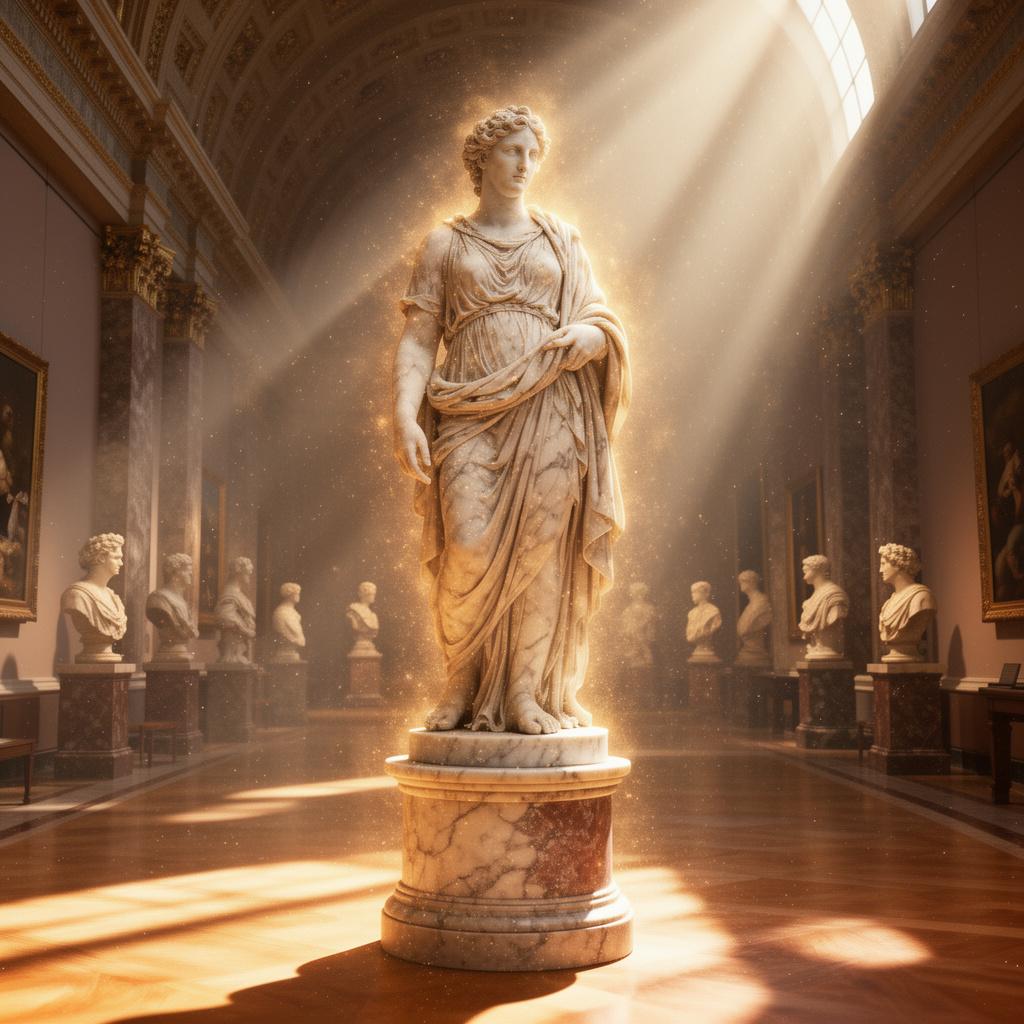
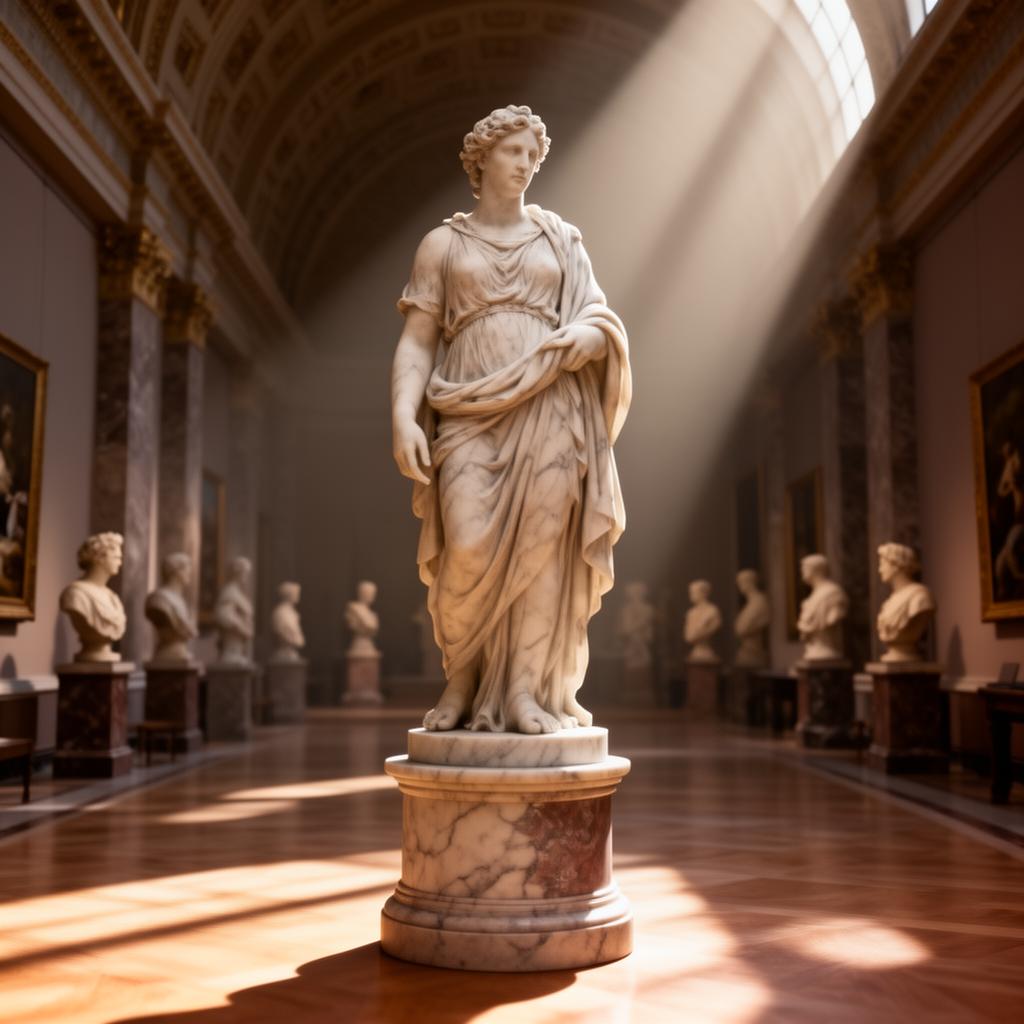
Enhance the lighting with warm celestial rays, soft volumetric beams, and floating dust particles for a sacred atmosphere.
FLUX 2 Dev LoRA AI Image Generator
Custom Styles with LoRA Fine-Tuning for Text-to-Image & Image Editing
FLUX 2 Dev LoRA combines the power of Black Forest Labs' 32-billion-parameter image model with custom LoRA adapter support. Apply up to 3 LoRA adapters simultaneously for personalized styles, brand-specific aesthetics, and consistent character designs. Whether generating from text or editing existing images, FLUX 2 Dev LoRA delivers studio-quality results with your unique creative signature.
Why Choose FLUX 2 Dev LoRA
FLUX 2 Dev LoRA unlocks custom style control that standard models can't provide. From brand identity to artistic consistency, LoRA adapters transform how you create.
LoRA Adapter Support
Apply up to 3 custom LoRA adapters simultaneously. Each adapter can be independently scaled from 0.1 to 2.0 for precise style blending. Use LoRAs from HuggingFace, Civitai, or your own custom-trained adapters.
Advanced Text Rendering
Built on the FLUX.2 Dev architecture with industry-leading text generation. Create images with accurate typography, logos, and text overlays. FLUX 2 Dev LoRA handles complex text layouts with precision.
Dual-Mode Generation
Seamlessly switch between text-to-image generation and image-to-image editing. Upload up to 3 reference images for editing, or generate from scratch with text prompts. LoRA styles apply consistently in both modes.
Brand-Specific Output
Maintain visual consistency across all generated content. Custom LoRA adapters encode your brand's unique aesthetic, ensuring every image matches your style guidelines without manual editing.
How to Use FLUX 2 Dev LoRA
Generate custom-styled AI images in three simple steps. Whether you have a LoRA adapter or want to use the base model, FLUX 2 Dev LoRA is ready for you.
Add LoRA & Reference Images
Paste your LoRA adapter URL and adjust the scale. Optionally upload up to 3 reference images for image-to-image editing. Both LoRA and reference images are optional.
Write Your Prompt
Describe what you want to create or edit. FLUX 2 Dev LoRA understands complex prompts with detailed styling, composition, and lighting instructions.
Generate & Download
Click Generate and get your custom-styled image in about 25 seconds. Download, upscale, or continue editing with FLUX 2 Dev LoRA's iterative workflow.
Frequently Asked Questions About FLUX 2 Dev LoRA
Everything you need to know about using FLUX 2 Dev LoRA for custom AI image generation.
What is FLUX 2 Dev LoRA?
FLUX 2 Dev LoRA is an advanced AI image generation model from Black Forest Labs built on the FLUX.2 Dev architecture. It supports custom LoRA (Low-Rank Adaptation) adapters, enabling personalized style fine-tuning for brand-specific and consistent image generation and editing results.
What is a LoRA adapter and how does it work?
LoRA (Low-Rank Adaptation) is a fine-tuning technique that modifies only 1-2% of the base model's parameters to learn custom styles, characters, or aesthetics. Training a LoRA takes hours instead of weeks. With FLUX 2 Dev LoRA, you can apply up to 3 adapters simultaneously and control each one's influence with a scale slider.
How many credits does FLUX 2 Dev LoRA cost?
FLUX 2 Dev LoRA costs 5 credits per image generation, regardless of whether you use text-to-image or image-to-image editing mode. Adding LoRA adapters does not increase the credit cost. New users receive free credits to get started.
Where can I find LoRA adapters?
LoRA adapters compatible with FLUX models can be found on HuggingFace and Civitai. Search for "FLUX LoRA" or "FLUX.2 Dev LoRA" to find style-specific adapters. You can also train your own LoRA adapter using the open-source FLUX.2 Dev model.
Can I use FLUX 2 Dev LoRA without a LoRA adapter?
Absolutely! LoRA adapters are optional. Without any LoRA, FLUX 2 Dev LoRA functions as a powerful base model for text-to-image generation and image editing. Add LoRAs when you want to apply specific custom styles.
What's the difference between FLUX 2 Dev LoRA and FLUX 2 Max?
FLUX 2 Max delivers maximum performance and editing consistency at 10 credits per image, ideal for professional work requiring the highest quality. FLUX 2 Dev LoRA focuses on customization through LoRA adapters at 5 credits per image, perfect when you need brand-specific or stylized outputs.
Start Creating with FLUX 2 Dev LoRA
Unlock custom AI image generation with LoRA fine-tuning. Apply your unique style to every image at just 5 credits each. Try FLUX 2 Dev LoRA free and experience the power of personalized AI art.