
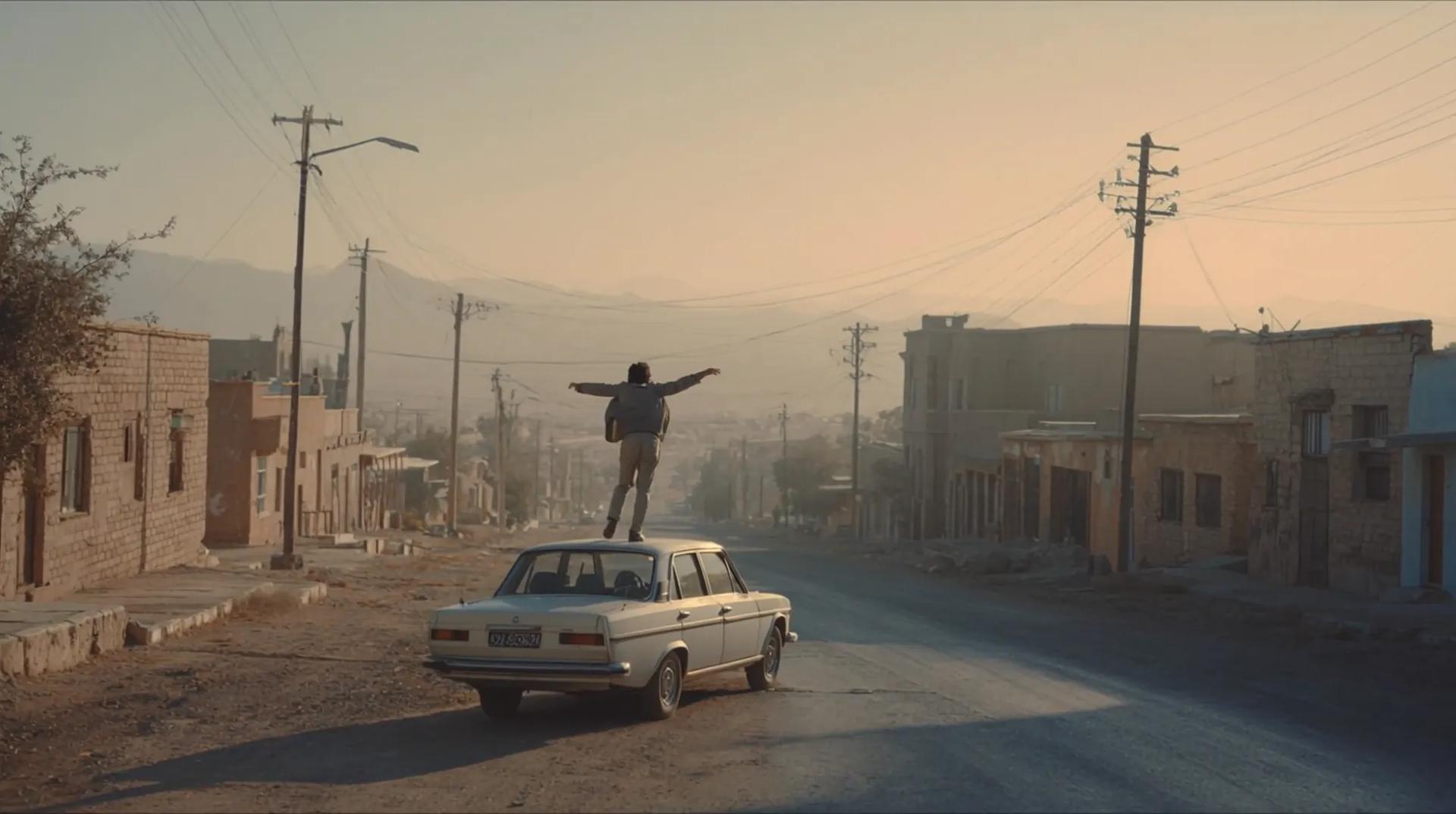
FLUX Image · FLUX Video · AI Music
Flux Context AI Studio
Create with FLUX AI image models, turn ideas into AI videos, and edit your work in one creative studio.


Explore FLUX AI image models
Choose a FLUX AI model for your next image. Start from a prompt, refine a photo with FLUX Kontext, or compare other image and video models available on Flux Context.
FLUX Image and FLUX Video are creative tools on Flux Context. Video generation uses models such as Seedance, Veo, Kling, and Wan; each tool identifies the model you select.
Compare all image and video modelsFLUX AI Tools for Images, Video, Music & Editing
Create images with FLUX AI, then explore video, music, and editing tools from other model families in the same workspace.
Generate and edit stunning images with the world's best AI models
Start with Seedream 5.5, our default image model, or select a FLUX AI model for your workflow. Midjourney, FC Atelier, GPT Image, and Nano Banana offer more image options.
Explore Image Models


Start with Wan 3.0 multimodal creation and editing
Create or edit up to 30-second videos from text, first and last frames, or multimodal references, then compare specialized Wan options for the next run.
Try Wan 3.0Create, Edit, Animate, and Enhance with AI
From AI image generator and AI video generator workflows to AI music creation, AI editor tools, and upscaling — everything in one platform.
Text to Image
Create information graphics, multilingual campaigns, product visuals, and portraits with Seedream 5.0 Pro. Use reference images to guide edits.
Generate Images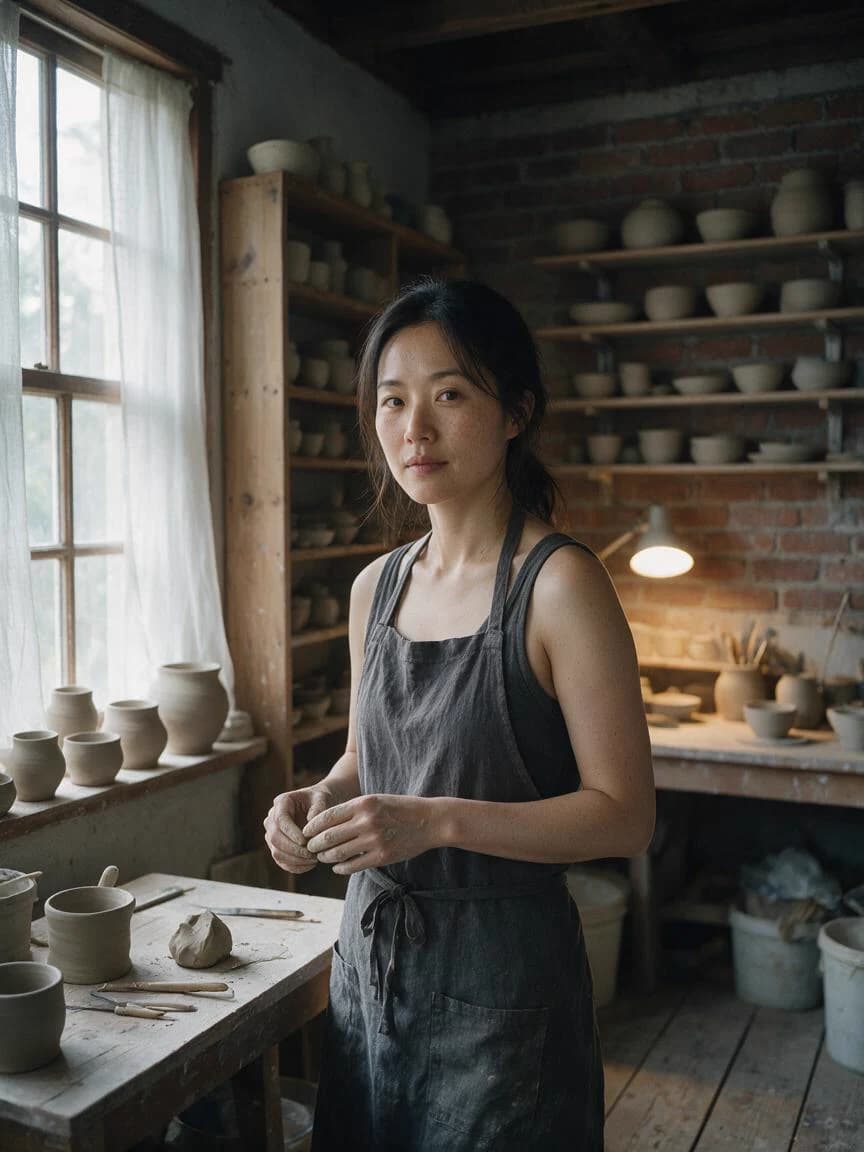
Image Editing & Style Transfer
Give Seedream 5.0 Pro references for identity, palette, materials, or layout. State what to change and what to preserve.
Edit Images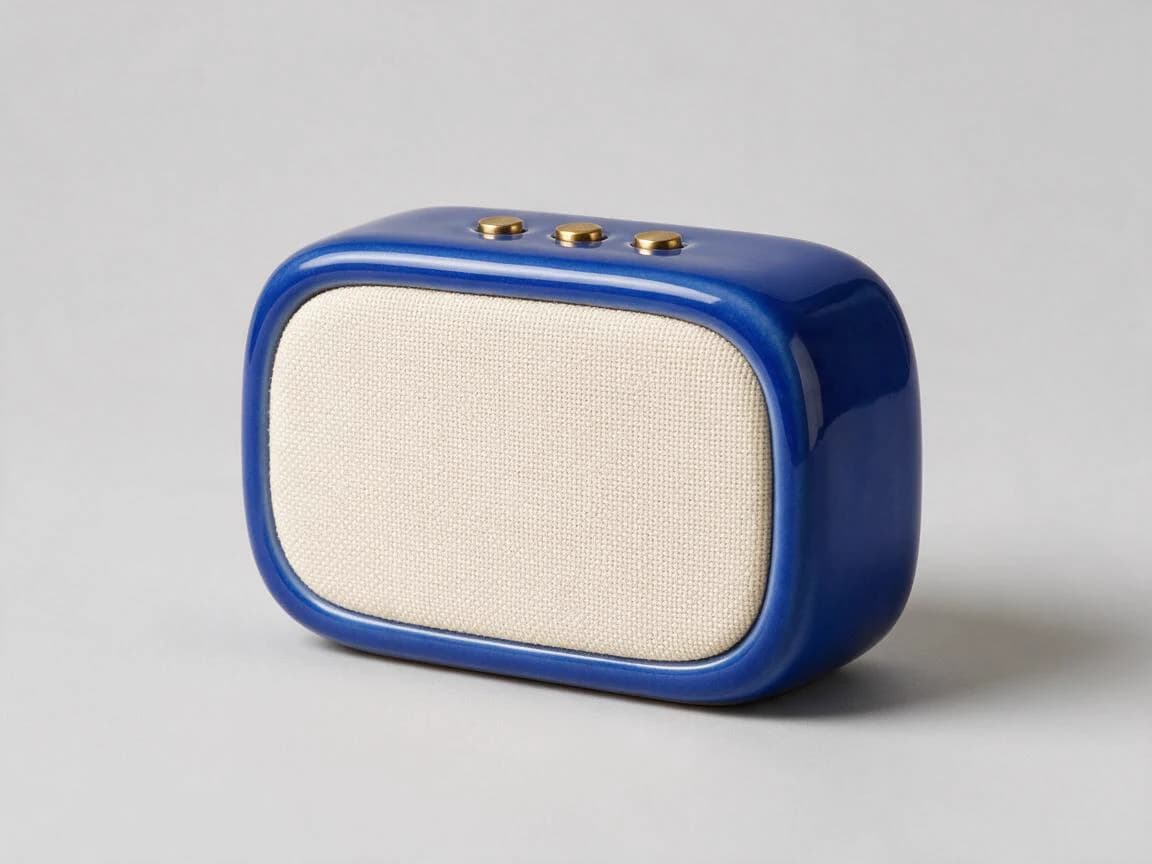
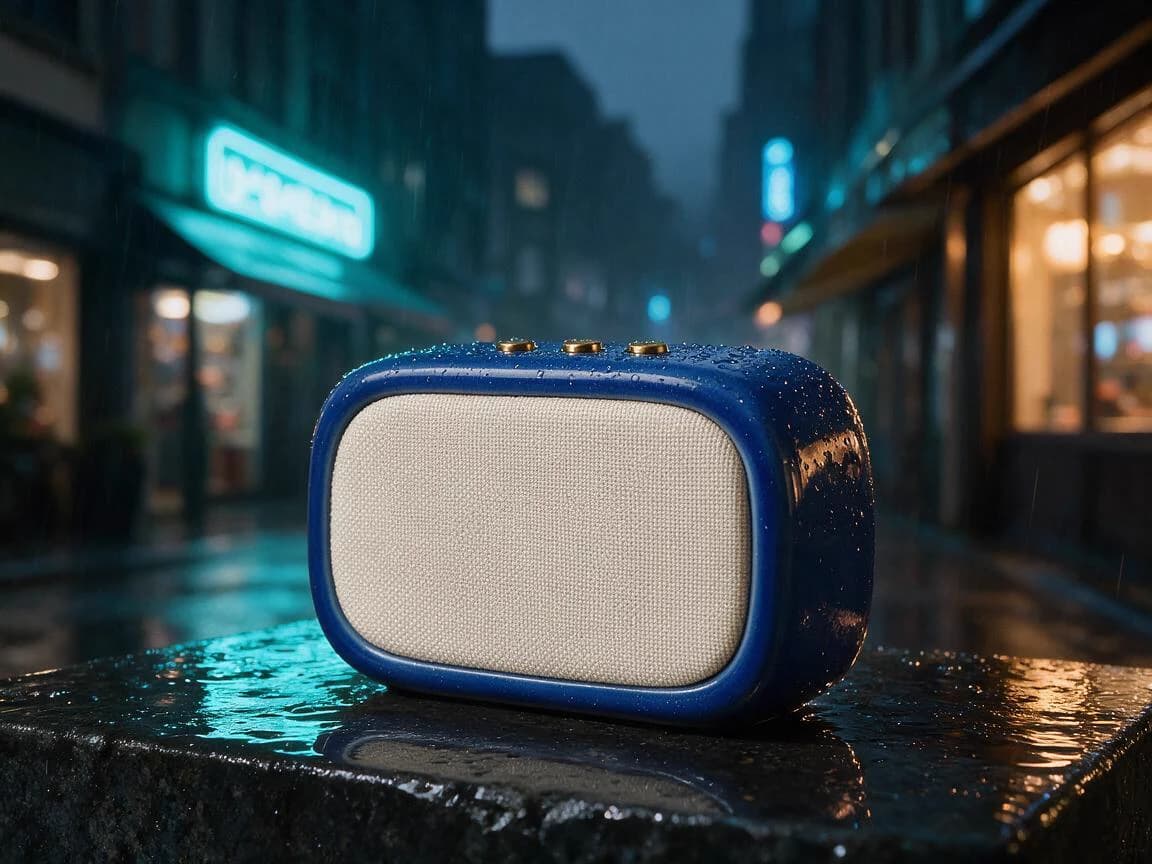
Text to Video
Turn text prompts into cinematic videos with synchronized audio, professional camera work, and lifelike motion. Choose from Veo, Kling, Seedance, Wan, and Runway models.
Create VideosImage to Video
Animate any still image into a dynamic, cinematic video. Perfect for bringing product shots, illustrations, or AI-generated images to life with natural motion and audio.
Animate ImagesImage & Video Upscaler
Enhance resolution and quality of images and videos using AI. Upscale images while preserving fine details, and boost videos up to 4K resolution for professional output.
Upscale Now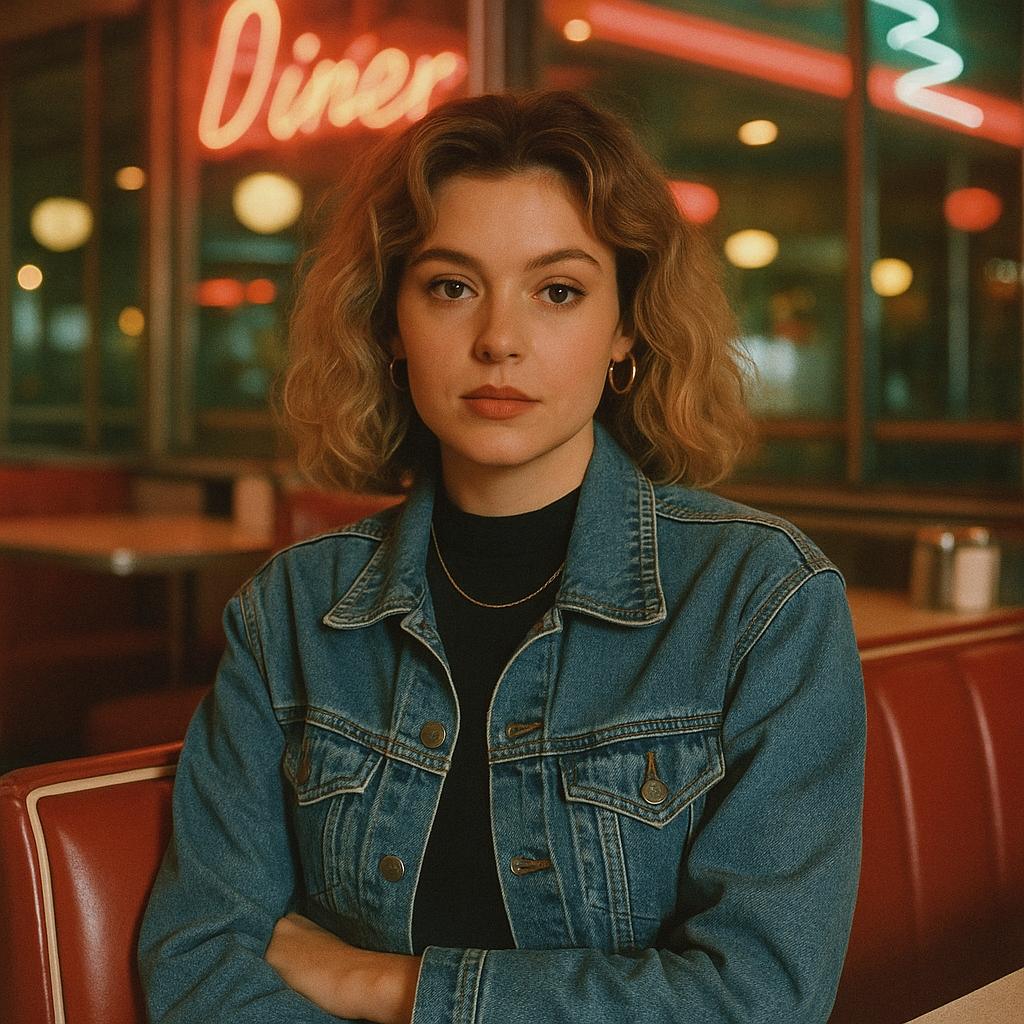
40+ Image Templates
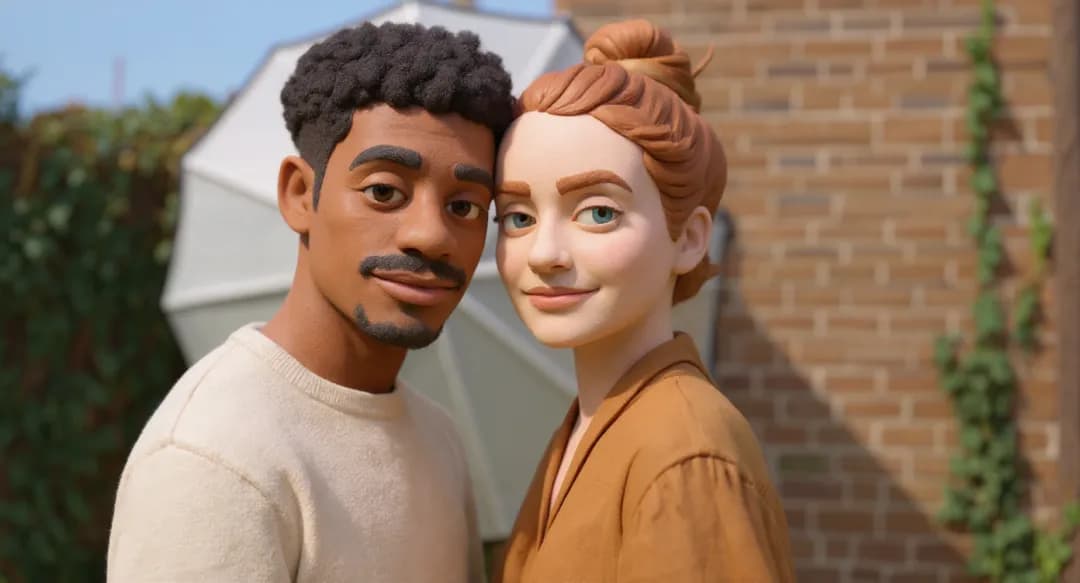
Jump-start your creativity with ready-made templates: 3D models, Ghibli style, action figures, emoji generators, magazine covers, and dozens more — just upload your photo and go.
Browse Templates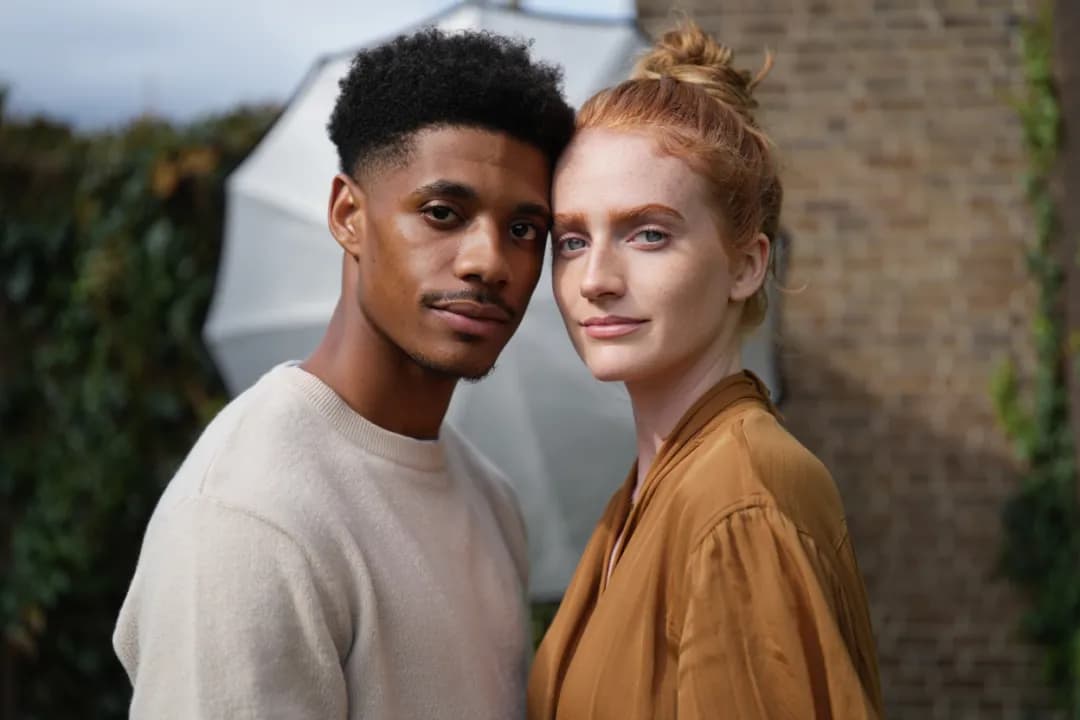


See What's Possible
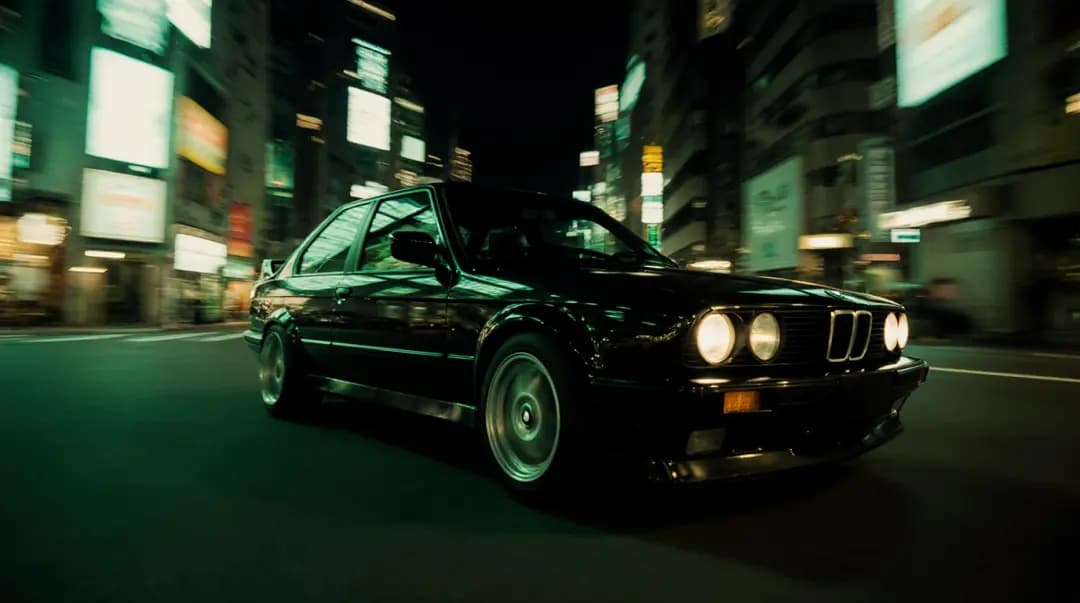
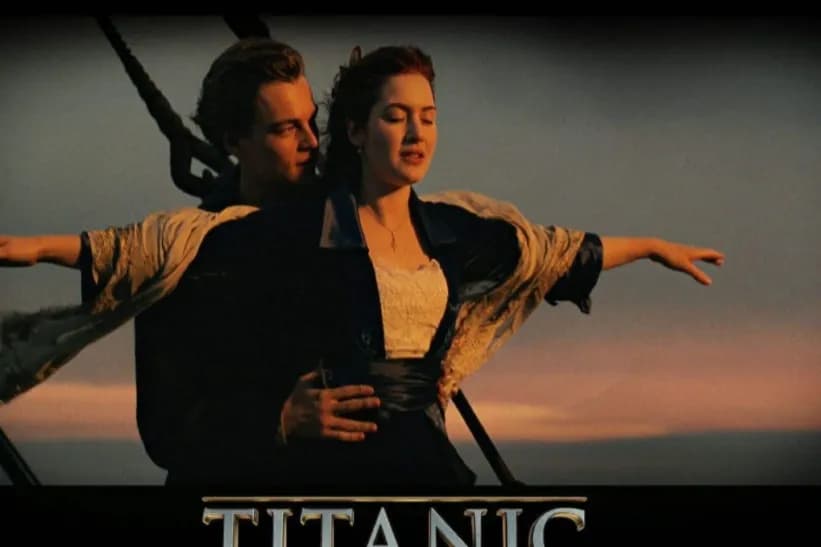
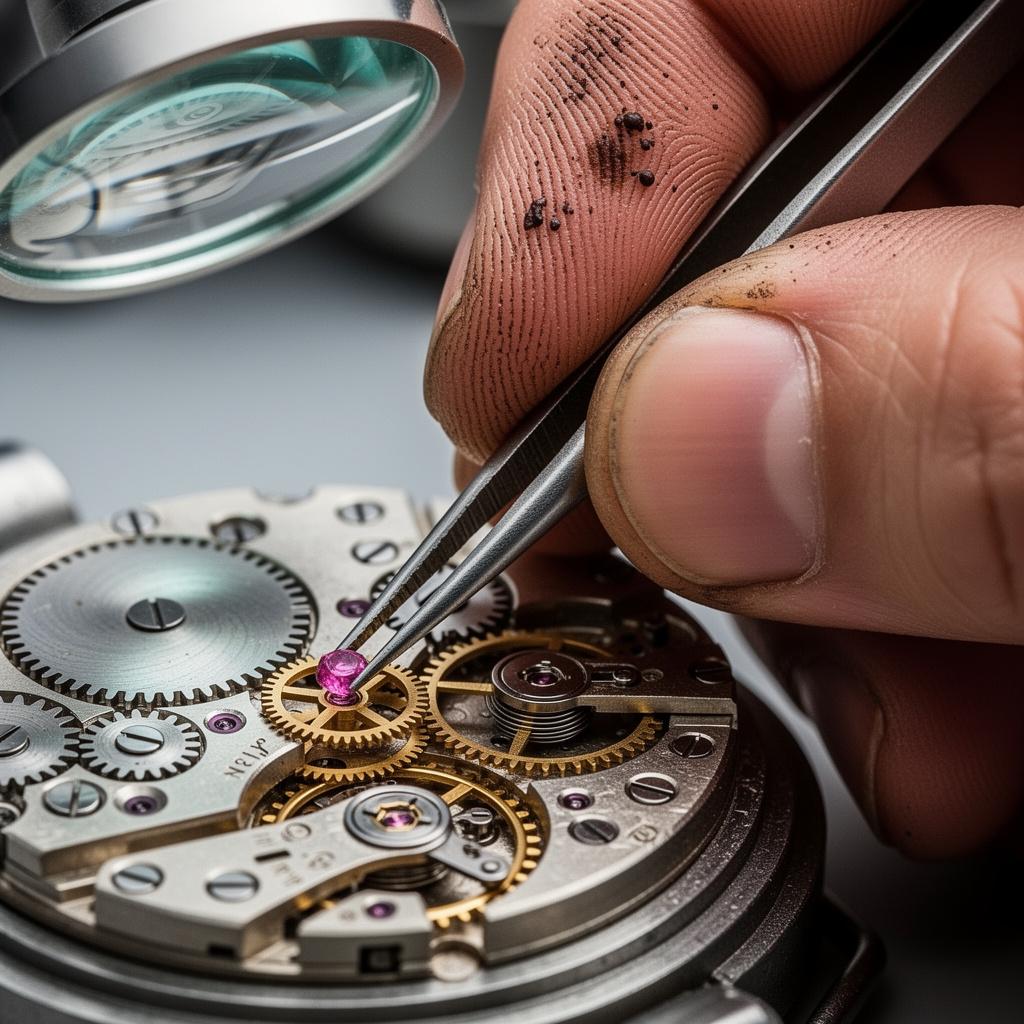
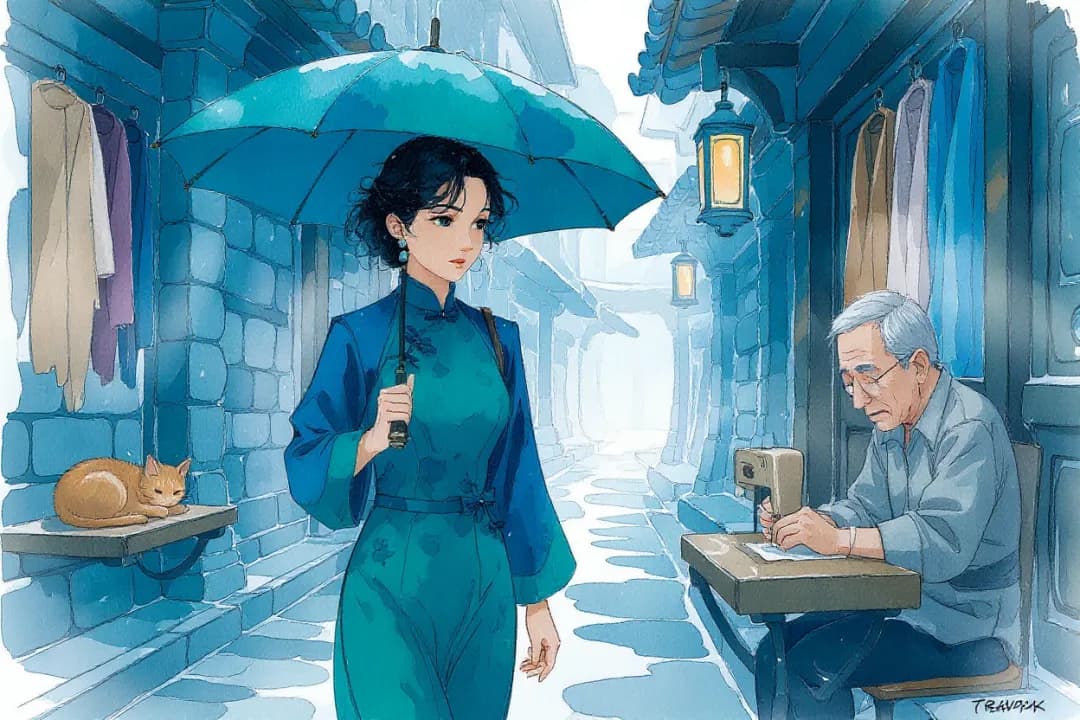
A glimpse of what creators are building in Flux Context AI — from photorealistic images to cinematic video.


Why use FLUX AI on Flux Context?
Bring FLUX AI image creation together with separate video, music, and editing tools, with clear model choices for each task.
FLUX AI and more
Compare FLUX AI with image models from OpenAI, Google, and ByteDance in one workspace. Each model keeps its own tools and settings.
Fast and flexible
Start with a FLUX AI image, refine it with an editor, then animate it using a separate video model. Generation time varies by model and workload.
Simple Credit System
Review the cost of each FLUX AI generation before submitting. Eligible new accounts can try one image or video generation; credits are available without a subscription.
Developer API
Connect FLUX AI and other supported models to your application through our API. Check the documentation for each model’s inputs and available options.
Trusted by Creators Worldwide
Join thousands of professionals and creators using Flux Context AI to generate images, create videos, and power their creative workflows.
Flux Context AI has become our one-stop shop for visual content. We generate product images with Midjourney, create promo videos with Veo, and edit everything with FLUX Kontext — all without leaving the platform.
Alex Chen
Digital Marketing Director
Having access to 29+ AI models in one place is a game-changer. I use Seedream for product shots, Seedance for video ads, and the upscaler for high-res catalog images. My conversion rates are up 40%.
Sarah Rodriguez
E-commerce Store Owner
I create images with FLUX and Nano Banana, then animate them into viral videos with Kling and Wan. The credit system is fair — I only pay for what I use. My audience loves the variety of content!
David Kim
Content Creator
As a designer, I was skeptical about AI platforms. But Flux Context AI's breadth of models and precision editing tools are genuinely impressive. It handles everything from concept art to final production assets.
Emma Thompson
Graphic Designer
The video models are incredible — Veo for cinematic quality, Seedance for fast turnarounds, Wan for character animation. Having them all under one roof with a simple credit system saves us so much time and money.
James Wilson
Video Producer
We switched our entire team to Flux Context AI. The API integration into our pipeline was smooth, and the model variety means we always have the right tool for the job. Best AI platform we've used.
Lisa Park
Creative Agency Owner
FLUX AI questions and answers
Learn how to choose a FLUX AI model, write prompts, check costs, and continue into video or editing workflows.
What is FLUX AI?
Which FLUX AI model should I choose?
How do I create a FLUX AI image?
Can FLUX AI edit an existing photo?
Does FLUX AI generate video?
Is FLUX AI free to try?
How much does FLUX AI generation cost?
What makes a useful FLUX AI prompt?
Can I use FLUX AI images commercially?
Can developers access FLUX AI through an API?
Can I use other models alongside FLUX AI?
Where can I manage privacy and get help?
Start your next FLUX AI project
Explore FLUX AI image models or start with our default image and video tools. Create, compare, and refine your work in Flux Context.
Free credits for new users. No credit card required.