
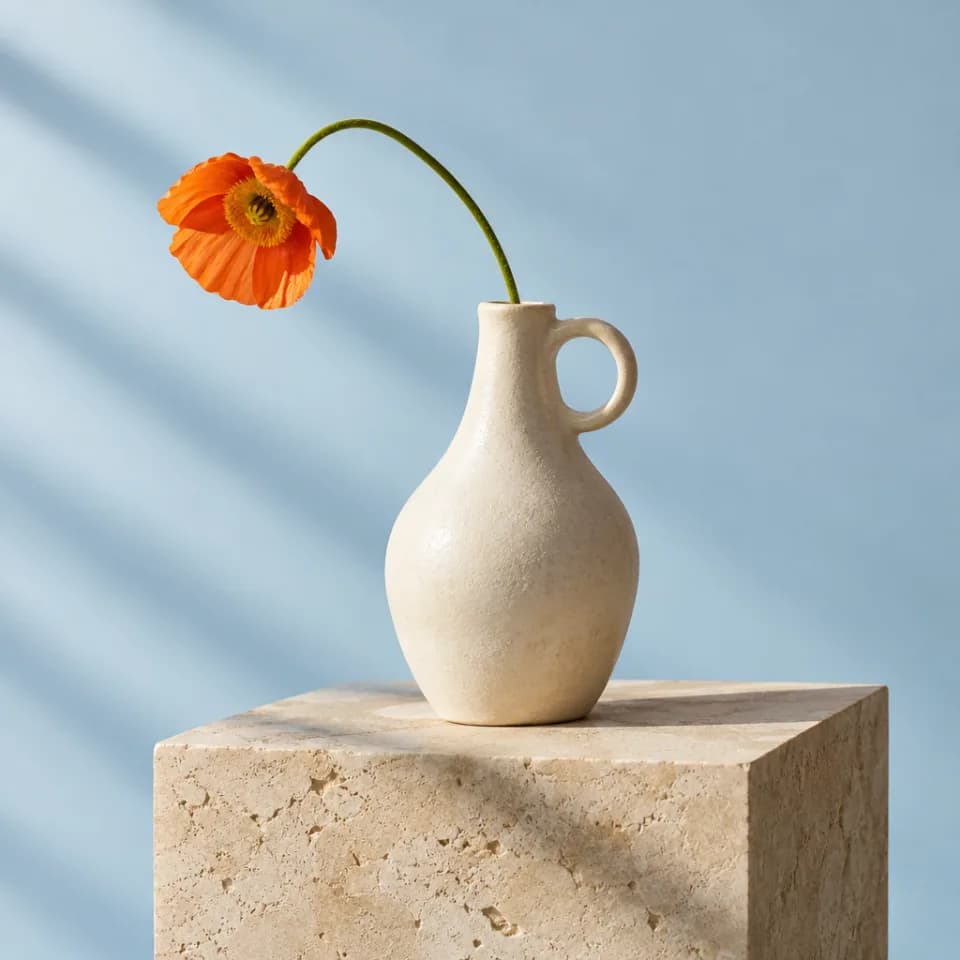
Editorial studio still life, one sculptural matte ivory ceramic vase with a small round handle, a single delicate orange poppy arching left. Warm limestone plinth against a soft pale blue seamless background, diagonal afternoon shadows, tactile glaze, beautifully balanced square composition. Photographic realism, no text or logos.
No history yet
GPT Image 2.5 — Flare & Sunburst Image Generator
Create or edit an image with GPT Image 2.5 Flare and Sunburst. Use up to 16 reference images, edit with a mask, and export at 1K, 2K or 4K.
Frequently Asked Questions
How do I choose between Flare and Sunburst?
Choose a version in the generator. Both accept the same inputs and use the same credit rates. Keep your prompt and settings to compare their results.
How do I edit an existing image?
Add your source image first, then describe the change. You can add more references for context or upload a mask under advanced settings to guide an edit on the first image.
How many credits does GPT Image 2.5 use?
One image costs 2–143 credits, depending on quality and resolution. The default 1K Medium setting costs 4 credits. Check the price on the Generate button before submitting.
Generate and edit images
Create or edit an image with GPT Image 2.5 Flare and Sunburst. Use up to 16 reference images, edit with a mask, and export at 1K, 2K or 4K.